How to Get Divorced on Facebook: More Than a Status Change
Divorce in the digital age isn’t just about signatures and legal documents—it’s also about navigating the emotional and social aftermath online. Nowhere is this more apparent than on Facebook, where the shift from ‘Married’ to ‘Single’ is only the beginning. If you’ve recently finalized your divorce or separation, you might be wondering: What’s the right way to reflect your new reality online? This guide will walk you through best practices, tips from real experiences, and expert advice for handling your post-divorce Facebook presence with grace and control.
Why Your Facebook Divorce Matters
Your Facebook profile is often more public than you imagine. Whether you’re trying to share your fresh start, protect your privacy, or avoid unnecessary drama, it’s important to consider the ripple effects of your post-divorce digital decisions. A thoughtful approach helps protect your mental well-being, sets boundaries, and gives you control over your personal narrative.
Step 1: Assess Your Facebook Profile Post-Divorce
- Relationship Status: Decide if and how you’ll update your relationship status. Facebook makes this visible to friends and sometimes the broader public, depending on your settings.
- Photos & Posts: Review photos, posts, and tags featuring your ex, mutual friends, or both families.
- Friend Lists: Consider whether to unfriend or restrict your ex, their family, and mutual acquaintances.
- Profile Details: Check your last name, bio, and any other profile elements referencing your marriage.
Step 2: Changing Your Relationship Status — Technical & Emotional Tips
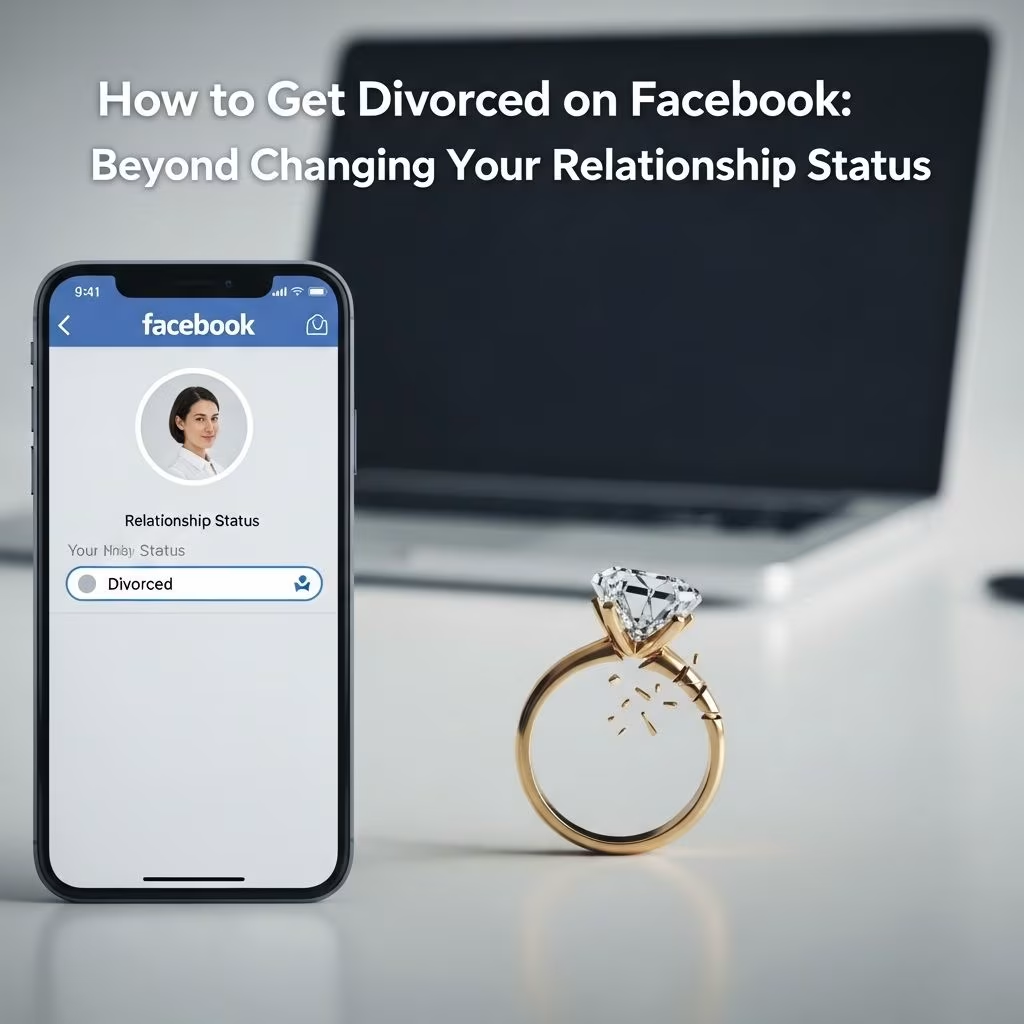
How to Change Your Relationship Status on Facebook
Changing your relationship status on Facebook is a simple process, but the emotional weight attached makes it far from trivial. Here’s a step-by-step approach:
- Go to your profile and click Edit Profile.
- Scroll to Details and tap Edit again.
- Find Relationship settings. Tap the pencil icon next to your current status.
- Select the new status: ‘Single,’ ‘Divorced,’ or simply remove the relationship information altogether.
- Set your privacy preferences: you can make the status visible to public, friends, or only yourself.
- Save changes and refresh your profile to see the updated info.
Privacy Tip: You can choose ‘Only Me’ to make your relationship status invisible to others if you prefer to keep things private or avoid attention.
Step 3: What to Do With Photos and Memories
One of the toughest decisions post-divorce involves old photos, tagged memories, and posts. People handle this in several ways:
| Strategy | Approach |
|---|---|
| Delete | Remove pictures of your ex, untag past posts, and unfriend their family. Some choose to delete the entire profile and start fresh for emotional closure. |
| Save | Retain most photos to preserve memories, especially those involving other friends or special events. Some people prefer not to erase their personal history. |
| Do Nothing | Make old photos private, ignore updating the relationship status, and avoid posting about your divorce. For some, the best approach is to maintain silence and let things settle. |
Real Stories: How People Chose to Move On
- Lynette: “Removed pictures, unfriended him and his family, and changed status to separated. It was necessary for my healing.”
- Kelly: “Deleted my old profile and made a new one. I didn’t want remnants of my past marriage lingering.”
- Deborah: “Changed last name to my maiden name and left wedding photos. Didn’t want to restart everything.”
- Jaime: “Kept all photos—they are part of my history, especially the ones with my dad in them.”
Step 4: Friend Lists and Unfriending Etiquette
The friend list is often a fraught area post-divorce. You may feel tempted to purge your list of your ex, their family, or mutual acquaintances. Consider:
- Unfriend your ex and their family if seeing their posts causes ongoing distress.
- Restrict their access to your future posts if you’re not ready to sever connections but want more privacy.
- Mutual friends can be tricky. Decide case by case, bearing in mind your future comfort and privacy.
Expert Advice: Be strategic. Even after editing your friend list, information can circulate unexpectedly. Always post as if your ex’s attorney or casual acquaintances might see it.
Step 5: Announcing (or Not Announcing) Your Divorce Online
Should you post publicly about your divorce? People’s opinions are divided:
- Post Wisely: Some find liberation in announcing their divorce online, seeking support and transparency. But share thoughtfully and avoid airing grievances.
- Private Approach: Others prefer not to post anything, relying on word-of-mouth among friends and family. The sentiment: Your closest circle already knows; strangers don’t need details.
Privacy & Dignity: Putting intimate details of your divorce online can backfire or cause embarrassment later. Consider keeping posts neutral and avoid sharing emotional or specific legal details.
Step 6: Changing Your Name and Other Profile Details
If you adopted your spouse’s last name, you may want to revert to your maiden name or choose an entirely new profile name. This is a personal decision, and many choose to make the change quickly; others may prefer to wait until the emotional dust settles.
- Review your profile for old references to your marriage, such as bios, cover photos, and memorable posts.
- Update your introduction or ‘About’ section to reflect your new identity or outlook.
Psychological Impact: Digital Closure
Successfully managing your Facebook divorce is about more than clicks and settings. It’s a chance to reset your digital self-image and build new boundaries. You may experience mixed feelings, from relief to sadness to nostalgia. Give yourself permission to mourn, edit, and celebrate your new chapter at your own pace.
Risks & Considerations: Social Media and Divorce Proceedings
- Legal Exposure: Anything posted online can potentially be used in legal proceedings. Don’t post out of anger, and avoid sharing legal details.
- Social Reactions: Be prepared for friends’ and acquaintances’ reactions, which may range from supportive messages to intrusive questions.
- Emotional Health: Mute or block contacts if their posts and updates negatively affect your mental health during recovery.
Should You Start Fresh or Maintain Your Old Account?
Some choose to delete their account and start over. Others embrace their past and simply adjust privacy settings. Both approaches are valid and depend on how you want to control your online narrative.
- Starting Fresh: Removes old connections and posts but can feel jarring and erase valuable memories or professional contacts.
- Maintaining the Old Account: Allows for continuity and preserves your personal history but may require careful pruning and privacy updates.
Frequently Asked Questions (FAQs)
Q: Will everyone on Facebook know I changed my relationship status?
Changing your relationship status can trigger a notification or newsfeed update, depending on your privacy settings. You can choose who sees your status change (public, friends, or only you).
Q: Should I unfriend my ex after divorce?
It depends on your emotional comfort and goals. Many people unfriend to protect their privacy and mental well-being, especially if seeing their posts is painful.
Q: Can deleted photos or posts ever come back?
Once removed, your posts and photos are typically gone from your profile, but data and screenshots may still exist with other users. Consider this before deleting sensitive material.
Q: How should I respond to comments or questions about my divorce?
Respond politely and keep details minimal. You’re not obliged to share specifics. Focus on boundaries and control the conversation.
Q: Is it OK to post about my new single life?
Celebrating new beginnings is common, but share thoughtfully. Avoid posts that might hurt others or disclose private matters you may later regret.
Conclusion: Navigating Your Post-Divorce Facebook Journey
Getting divorced on Facebook is more than ticking a box – it’s a process that affects your privacy, emotional state, and how others perceive your new chapter. There’s no universally right way to proceed; your actions should reflect your personal values, needs, and comfort level. Whether you choose to delete, curate, or say nothing at all, make sure your digital life supports your emotional recovery and future happiness.
- Consider the privacy and emotional impacts before posting or changing anything.
- Use Facebook settings to control visibility and access.
- Consult trusted friends, therapists, or legal advisors for support if needed.
Ultimately, your Facebook profile is your digital front porch. Make it a space that welcomes healing, boundary-setting, and positive connections during and after your divorce.
References
- https://denverdivorceattorneys.com/2014/03/changing-your-relationship-status-how-to-manage/
- https://www.youtube.com/watch?v=gm3FJKkXAUI
- https://www.thegirlfriend.com/relationships/facebook-status-divorced
- https://www.cosleylaw.com/news/was-your-relationship-status-updated-to-divorce-because-of-facebook
- https://divorce.wikivorce.com/forum-index/relationships/516593-dating-and-facebook-photos-etc