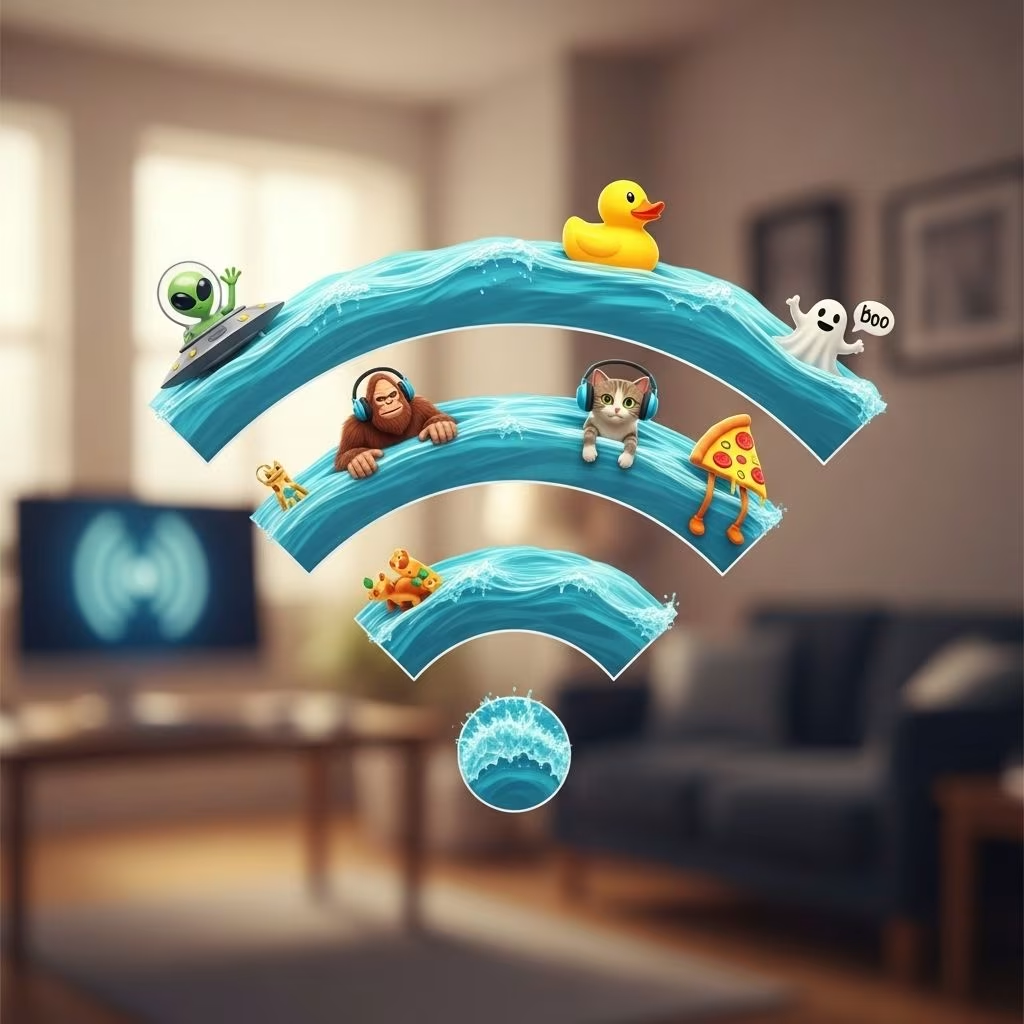
Why settle for a boring, default WiFi network name when you can let your personality shine through every time someone searches for a connection? The perfect WiFi name isn’t just practical—it’s an opportunity for creativity, a great conversation starter, and a secret weapon to make the mundane entertaining. Whether you want to make your neighbors chuckle, fend off freeloaders, or baffle every device in range, this comprehensive guide is here to inspire you. Dive in and discover over 130 of the funniest, wittiest, and sassiest WiFi names that will have the whole block talking!
Why Choose a Funny WiFi Name?
Your WiFi network label is more than technical jargon—it’s the first thing guests see when they try to connect at your place. A clever or comical name provides:
- Instant Conversation Starter: It gets friends, family, and visitors laughing and talking.
- Security Through Humor: Some names can gently warn freeloaders or deter unwanted devices.
- Personal Expression: Your WiFi name lets your sense of humor and style shine, even in technology.
- Memorable Networking: Makes it easy for people to remember your network among dozens of generically named routers.
Laugh-Out-Loud Funny WiFi Names
Start off your WiFi naming journey with these pure comedy gold options. These choices guarantee amusements for everyone scanning the area:
- You Click, I Pay
- Enter the Dragon’s Wifi
- Wi-Find You Cute
- No Laughing Router
- No Wi-Fi for You!
- Look Ma, No Wires
- The Web of Lies
- I Pronounce You Man and Wi-Fi
- Winter WonderLAN
- The Wrong Router
- Wi Believe I Can Fi
- Caught in the Interweb
- Sweet Victory
- My Wi-Fi Is Always Right
- Leaky Sync
- Tear Down This Firewall
- Ask Me Out on a Data
- Wi-Finders Keepers
- Friendly Neighborhood Spider-Lan
- IP Frequently
- That’s One Hotspot
- The LAN of the Free
- Putting in the Network
- We’ve Been Trying to Reach You About Your Car’s Extended Warranty
- Keep It on The Download
- Wi Oh Wi
- Can You See Where IP?
- Hide Yo Kids, Hide Yo Wi-Fi
- Just One Byte
- Feeling Routy
- Feed Me
- No More Mr. Wi-Fi
- Smooth as Buffer
Witty WiFi Names That Will Outpun the Competition
If you love wordplay, these WiFi names are loaded with puns, techy jokes, and clever references sure to get a knowing smile from those who get it:
- Wi-Fight the Inevitable?
- Wi-Fi Ms. American Pie
- 99 Problems but Wi-Fi Ain’t One
- Wi-Fi Fo Fum
- LAN Down Under
- Wi-Not?
- Titanic Syncing
- New England Clam Router
- If You Can’t Beat ‘Em, Modem
- No LAN for the Wicked
- Wu-Tag LAN
- I’m with the Bandwidth
- Hopping on the Bandwidth
- Networking 9 to 5
- WiMCA
- Stuck the LANding
- Go Go Router Rangers
- Synch My Battleship
- I Can’t Wi-Fi This Feeling Anymore
- We Didn’t Start the Firewall
- Protect Your Net
- One Hot Spot
- Where the Wild Pings Are
- Pretty Fly for a Wi-Fi
- Silence of the LANS
- Another Brick in the Firewall…
Sassy WiFi Names to Deter Digital Mooching
Send a not-so-subtle message the next time someone tries to piggyback on your connection. These sassy network names make it clear where you stand:
- Very Slow Wi-Fi
- Will Exchange Food for Password
- No, This Is Not Yours
- Stop Being Nosy
- Never Gonna Give You Wi-Fi
- Stop Being a Mooch
- Click Here for Viruses
- You Won’t Get Hacked Here
- Help, I’m Trapped in This Router
- *Not A Virus*
- FBI Surveillance Van
- No Internet Access
- Gone Phishing
- I’m Under Your Bed
- Your Favorite Neighbor’s Wi-Fi
- This Is Where Click Here for Internet
- My Password Is 1234
- Byte Me
- I Heard the Neighbor’s Wi-Fi Is Better
- Hey, Get Your Own Wi-Fi
- Get Off My LAN!
- I Don’t Miss Dial-Up
- Series of Tubes
- Not the Wi-Fi You’re Looking For
- I’ve Got the Hookup—to the Wi-Fi, People!
- Close Your Bathroom Curtains
- Nacho Wi-Fi
Best Practices: How to Choose the Perfect WiFi Name
Picking a WiFi name isn’t just about laughs—consider these practical tips to maximize your network’s security and usability:
- Avoid Sensitive Info: Never use your real name, address, or phone number.
- Be Unique, Not Offensive: Ensure your humor is light-hearted and not likely to offend anyone nearby.
- Keep It Short: Most devices handle shorter names better, and they’re easier to read.
- Create a Purpose: Use your WiFi name to send a message, warn freeloaders, or even provide guest instructions.
Pop Culture-Inspired WiFi Names
Infuse your network with a nod to movies, TV, and music for those who love a good reference:
- I Pronounce You Man and Wi-Fi
- Wi Believe I Can Fi
- Pretty Fly for a Wi-Fi
- LAN Down Under
- Wu-Tag LAN
- Wi-Fight the Inevitable?
- WiMCA
- New England Clam Router
- No LAN for the Wicked
- Go Go Router Rangers
- I Can’t Wi-Fi This Feeling Anymore
- We Didn’t Start the Firewall
| Reference Type | Example WiFi Name |
|---|---|
| Music | 99 Problems but Wi-Fi Ain’t One |
| Movies | Winter WonderLAN |
| TV Shows | Friendly Neighborhood Spider-Lan |
| Classic Puns | Another Brick in the Firewall… |
Creative Approaches for Themed WiFi Names
Want to take your WiFi game to the next level? Choose a theme for all your connected devices:
- Movie Nights: Name your WiFi “The LAN Before Time” and your main device “Dino Router.”
- Superheroes: Try “Friendly Neighborhood Spider-Lan” and “Iron Man Network Adapter.”
- Retro Tech: Use throwbacks like “AOL Dial-up” or “Ye Olde Internet.”
- Foodies: Go for “Nacho Wi-Fi” and pair with smart fridges named “Cheese Platter.”
Top Tips for Renaming Your WiFi Network
Once you’ve chosen your new network name, changing it is easy with these steps:
- Log into your router’s admin settings via your browser (usually at 192.168.1.1 or 192.168.0.1).
- Enter your router’s username and password (check your device manual if unsure).
- Look for the WiFi Settings or SSID Name field.
- Enter your new funny name, save the changes, and reboot your router if prompted.
SEO-Optimized Frequently Asked Questions (FAQs) About Funny WiFi Names
Q: Why should I pick a funny WiFi name?
A: A creative or funny WiFi name can make you memorable to guests, improve home networking humor, and even send a message to potential freeloaders.
Q: Can a WiFi name be too long or have special characters?
A: Most routers allow SSIDs up to 32 characters and support letters, numbers, and basic symbols, but be mindful that some devices might not handle special characters well.
Q: Is it safe to have a funny or memorable WiFi name?
A: Yes, as long as you avoid personal or sensitive information. It’s best to keep names fun and non-identifying for added privacy.
Q: How often can I change my WiFi network name?
A: You can change your WiFi name as often as you like! Each change will require your devices to reconnect using the updated name.
Q: Can my WiFi name affect internet speed or security?
A: No, the network name (SSID) does not impact speed or security. Just make sure to always use a strong, unique password for best security.
Final Thoughts: Stand Out With Laughter
Your WiFi network is a blank slate for your personality and a chance to make ordinary tech a little, or a lot, more fun. From sassy warnings to pun-packed references, pick a name that will brighten your guests’ day—and make you smile every time you log on! Ready to get started? Use one of these creative names, or let them spark your own hilarious creation. Happy networking!