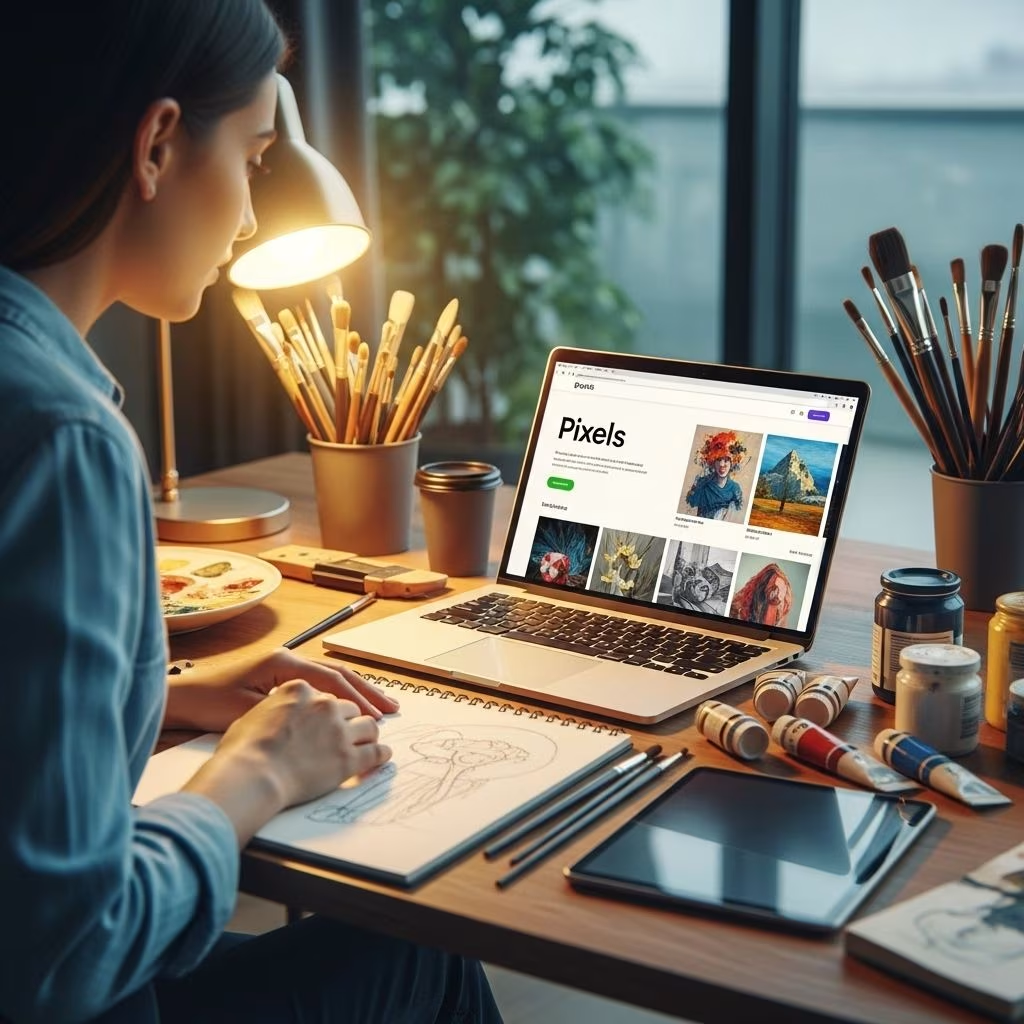
Easily Sell Your Art Online with Pixels: The Ultimate Guide
Artists today no longer need to rely solely on galleries or local craft fairs to reach buyers. The rise of print-on-demand marketplaces has made it possible to showcase and sell creative works to global audiences, with minimal upfront investment and logistical hassle. Pixels (also known as Fine Art America) stands out as one of the most established and versatile platforms for artists seeking to monetize their craft online. This guide walks you through everything you need to know about selling your art with Pixels—from sign-up and shop setup to product selection, marketing tips, and frequently asked questions.
Why Sell Your Art Online?
- Global Reach: Access millions of customers worldwide, transcending geographic boundaries.
- Passive Income: Generate sales with minimal ongoing effort through automated production and shipping.
- Diverse Products: Offer your designs on prints, home décor, apparel, phone cases, and much more.
- No Inventory Hassles: Pixels prints and ships products on demand, so you never worry about stock.
What is Pixels?
Pixels is a user-friendly print-on-demand platform that enables artists, photographers, and designers to sell their work as quality prints and on hundreds of unique products. The platform streamlines every aspect of selling art online, from uploading files to handling payments, manufacturing, and global shipping.
Key Features of Pixels
- Print-on-Demand 6 Products are created only when an order is placed, eliminating upfront costs and risks.
- Wide Product Selection 6 Sell your work on wall art, home goods, apparel, tech accessories, and more.
- Customizable Pricing 6 Artists set their own profit margins for each product type.
- Integrated Marketing Tools 6 Promote your art with built-in exposure, artist profiles, and SEO optimization.
- Reliable Fulfillment 6 Pixels handles manufacturing, packaging, shipping, and customer service.
How to Get Started Selling Art with Pixels
Setting up shop on Pixels is simple, even for those with limited technical skills. Here’s a step-by-step overview of the process:
- Create an Account:
Visit Pixels or Fine Art America and register as an artist. There’s a free version for basic use and a premium option that unlocks additional features.
- Upload Your Artwork:
Prepare your digital images. For best results, use high-resolution files (typically 150-300 DPI) and ensure colors are vibrant and accurate. You can upload JPEGs, PNGs, or TIFF files depending on your medium.
- Choose Your Products:
Select from a wide variety of printable items, including:
- Canvas and paper prints
- Metal and acrylic prints
- Greeting cards and stationery
- T-shirts, hoodies, and other apparel
- Phone cases, tote bags, mugs, and more
- Set Your Prices:
Determine your markup to set your profit per sale. Pixels shows you base costs and lets you set your own margins.
- Customize Your Profile:
Add your biography, contact information, social media links, and a profile photo to create a professional storefront.
- Publish Your Store:
Your Pixels page can now be shared with potential buyers. All sales are fulfilled and shipped directly by Pixels.
What Can You Sell on Pixels?
The platform supports nearly every visual medium, including photography, paintings, digital art, graphic design, drawings, and mixed media. If your work can be digitized, you can sell it on Pixels!
| Art Type | Popular Products | Ideal for |
|---|---|---|
| Photography | Prints, canvas, calendars, greeting cards | Nature, cityscapes, portraits |
| Paintings | Canvas, tapestries, cards | Abstract, landscapes, still life |
| Digital Art | Tech accessories, apparel, mugs | Illustration, pop culture, gaming |
| Graphic Design | T-shirts, posters, stickers | Logos, typography, minimalist design |
| Drawings & Mixed Media | Paper prints, journals, tote bags | Whimsical, illustrative, creative |
Pricing Your Art: How Much Can You Earn?
Your earnings from Pixels depend on your chosen markup and the volume of sales. The table below illustrates sample profit margins:
| Product | Base Cost | Artist Markup | Total Price | Artist Earnings |
|---|---|---|---|---|
| 12″ x 16″ Canvas Print | $40 | $15 | $55 | $15 |
| T-shirt | $18 | $10 | $28 | $10 |
| Coffee Mug | $11 | $6 | $17 | $6 |
| Phone Case | $22 | $8 | $30 | $8 |
Remember, you have complete control over how much you charge above the base price. More established artists with unique styles can usually command higher markups.
Marketing Your Pixels Store
- Optimize Listings: Use descriptive titles, rich keywords, and vibrant product photos for better search visibility.
- Social Media Promotion: Share your shop link and new releases on Instagram, Facebook, Pinterest, and TikTok to drive traffic.
- Email Newsletters: Build a mailing list of supporters to alert them to new releases and sales events.
- Leverage Pixels Marketplace: Pixels offers built-in discovery via its marketplace, where users browse and search art globally, increasing your exposure.
- Collaborations: Partner with influencers or other artists for joint promotions and exclusive product drops.
Benefits of Pixels for Artists
- Zero Inventory Risk: No need to pre-produce or store products.
- Automated Fulfillment: Pixels handles all manufacturing and shipping logistics.
- Scalability: Easily grow your store and product range with digital uploads.
- Low Upfront Cost: Free to start, with optional premium features for added customization and control.
- Professional Presentation: Build a polished artist profile with galleries, portfolios, and custom branding.
- Analytics & Insights: Access data on traffic, sales, and buyer behavior to inform your strategy.
Potential Drawbacks
- Competitive Marketplace: With thousands of sellers, it can take time to stand out and build loyal customers.
- Limited Customization (Free Tier): Some advanced portfolio tools and site features are reserved for premium users.
- Marketing Required: While Pixels provides exposure, successful sales often depend on your own promotional efforts.
Tips for Maximizing Your Success
- High-Quality Images: Use crisp, well-lit photos or scans of your work to ensure print quality and buyer satisfaction.
- Diversify Your Catalog: Offer a range of designs, styles, and product types to appeal to different tastes and price points.
- Engage with Fans: Reply to comments, feature customer photos, and interact on social media to build a community.
- Stay Current: Regularly update your store with new work, trending subjects, and seasonal products.
- Experiment with Products: Try offering your art on unique items like pillows, yoga mats, or face masks to discover new revenue streams.
Frequently Asked Questions (FAQs)
Q: How much does it cost to sell on Pixels?
The basic plan is free and includes most standard features. A small premium fee unlocks extra customization and analytics.
Q: What makes Pixels different from other marketplaces?
Pixels specializes in photography and fine art, offers broad product choices, and features robust print-on-demand fulfillment. Its dual presence as Pixels and Fine Art America enables international reach and more branding options.
Q: Who handles customer service and shipping?
Pixels provides end-to-end support, handling manufacturing, packaging, shipping, returns, and buyer communications. Artists only focus on creating and uploading works.
Q: Can I sell the same artwork elsewhere?
Yes, you retain copyright and can use your images on other marketplaces or in-person sales, unless you grant exclusivity in specific cases.
Q: What types of files are best for uploading?
Use high-resolution JPEG or PNG files with accurate color representation to ensure quality prints. For large wall art, images should be at least 150 DPI at final print dimensions.
Q: How do I get paid?
Profits are tracked and paid out directly to artists via PayPal or bank transfer on a regular schedule.
Q: Can I sell digital downloads?
Pixels focuses on physical products rather than digital downloads. For selling digital art files, platforms like Creative Market or Etsy may be better suited.
Is Selling Art Online Right for You?
Whether you’re an established artist with a polished portfolio or a hobbyist looking to share creative work, selling on Pixels offers a low-risk way to reach new audiences and potentially earn passive income. Success depends on your creativity, marketing savvy, and willingness to experiment with new products and trends.
Quick-Start Checklist
- Register for a Pixels artist account
- Digitize and upload your best works
- Create compelling product listings
- Set profit margins that reward your effort
- Promote your shop with links and social posts
- Monitor analytics and optimize your strategy
Wrap Up: Your Art, Your Store, Your Way
Pixels makes it possible for anyone—from traditional painters to digital illustrators—to launch an online art business with global reach. By offering high-quality products, simple setup, and automated logistics, the platform lets artists focus on their creative work while Pixels handles the rest. Take advantage of the ever-growing world of online art sales; your next customer may be just a click away.