


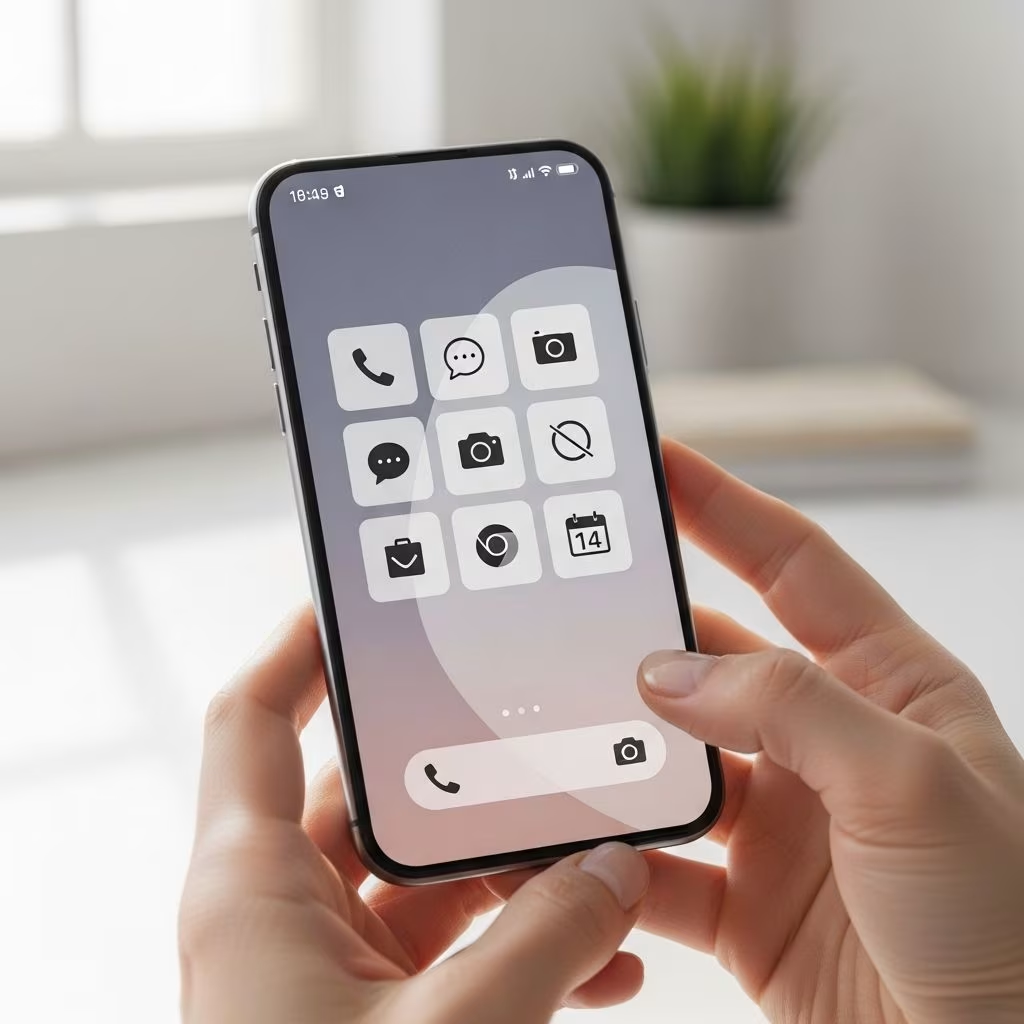
Introduction to Minimalist Home Screen Setup
Creating a minimalist home screen setup is a powerful way to streamline your smartphone experience, enhancing productivity and reducing distractions. This guide will walk you through the process of simplifying your phone’s interface, focusing on both iOS and Android systems.
Benefits of a Minimalist Home Screen
A minimalist home screen offers several benefits, including improved focus, reduced clutter, and a more aesthetically pleasing user interface. By limiting the number of apps on your home screen, you can:
- Boost productivity by reducing app clutter and distractions.
- Improve your phone’s performance by minimizing the number of apps running in the background.
- Enhance the overall visual appeal of your phone’s interface.
Setting Up a Minimalist iOS Home Screen
iOS offers a range of customization options to create a minimalist home screen. Here are some steps to achieve this:
- Limit Home Screen Apps: Focus on essential apps and remove any unnecessary ones from your home screen.
- Use Minimalist Wallpapers: Choose simple, uncomplicated wallpapers that enhance the minimalist aesthetic.
- Customize Icons: Use Apple Shortcuts to create custom, minimalist app icons. This can involve using simple shapes or monochrome colors to match your desired theme.
- Hide App Labels: iOS 18 allows you to use larger icons that can hide app labels, further simplifying your home screen.
- Widgets and Lock Screen Customization: Use widgets and lock screen customization to add functionality without cluttering your home screen.
For example, you can use the Shortcuts app to hide default apps in search, avoiding duplicates and keeping your search results clean.
Setting Up a Minimalist Android Home Screen
Android offers even more customization options than iOS, allowing for a highly personalized minimalist setup. Here are some key steps:
- Custom Launchers: Use third-party launchers like Nova or Apex to customize your home screen layout and appearance.
- Widgets: Utilize Android widgets to add interactive elements to your home screen without cluttering it.
- Icon Packs: Download and install minimalist icon packs to create a consistent visual theme across all your apps.
- Backgrounds and Themes: Choose simple, monochromatic backgrounds and apply themes that align with your minimalist style.
Frequently Asked Questions (FAQs)
Q: How do I create custom icons for my apps?
A: You can create custom icons using the Shortcuts app on iOS or by downloading icon packs on Android. For iOS, you use the “Open App” action in Shortcuts to assign a custom icon to an app.
Q: What are some popular minimalist icon packs for Android?
A: Popular choices include Material Design Icon Pack and Minimalist Icon Pack, which offer a range of simple, monochromatic icons.
Q: How can I simplify my lock screen on iOS?
A: Use the built-in lock screen widgets to add functionality while maintaining a minimalist aesthetic. You can also customize the lock screen background to match your theme.
Conclusion
Creating a minimalist home screen setup is a straightforward yet powerful way to enhance your smartphone experience. By reducing clutter and focusing on essential apps and features, you can improve productivity and enjoy a more streamlined digital life.
References
- https://www.digitalminimalist.com/blog/how-to-achieve-a-minimalist-iphone
- https://www.youtube.com/watch?v=3D6OGKTpvCY
- https://www.youtube.com/watch?v=zczaTUMEJ5I
- https://www.youtube.com/watch?v=RXZByvvbz2Y
- https://www.rokform.com/blogs/rokform-blog/android-home-screen
- https://rapidweblaunch.com/blog/minimalists-guide-simplifying-iphone
- https://www.youtube.com/watch?v=GfDyTe8RT8o


