


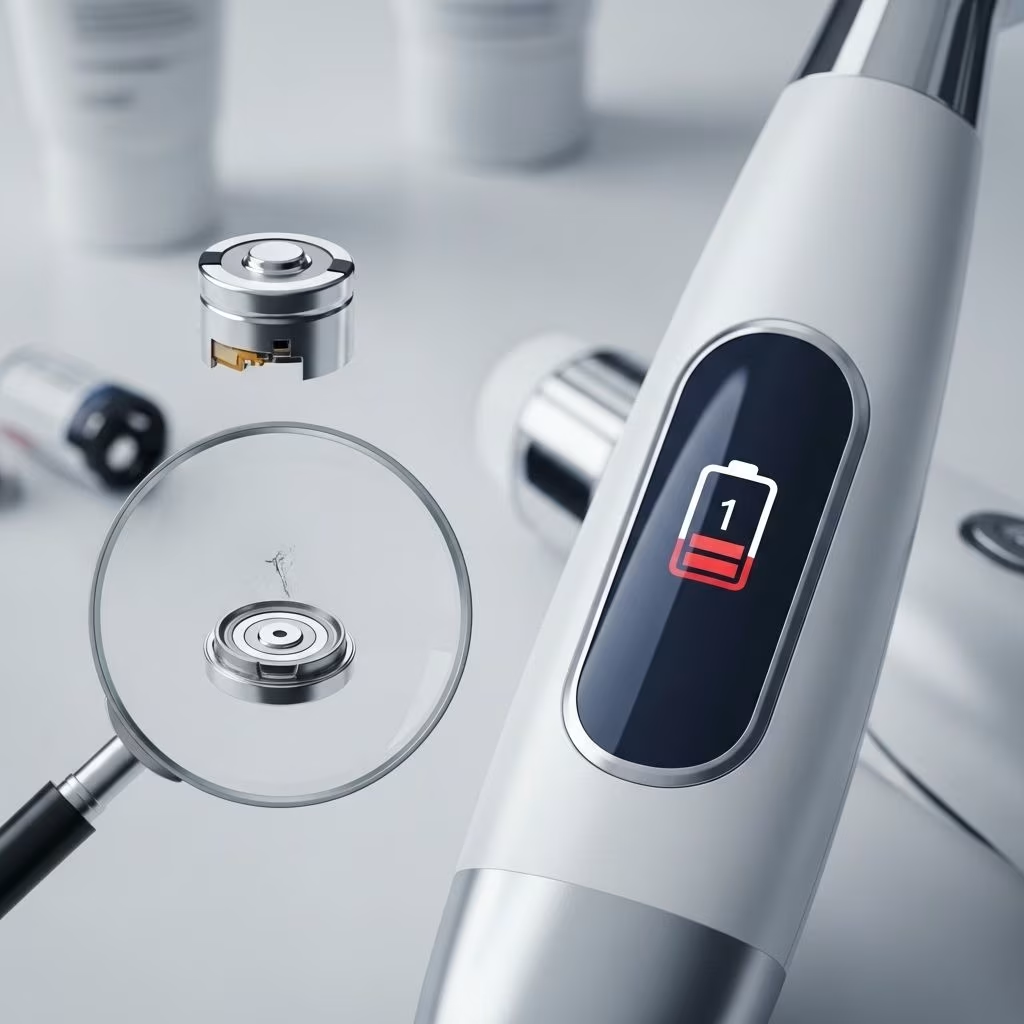
Modern skincare devices—whether facial cleansing brushes, microcurrent tools, LED masks, or ultrasonic scrubbers—have revolutionized at-home beauty routines. However, their effectiveness and convenience rely heavily on a healthy, long-lasting battery. Battery draining issues can disrupt routines, diminish results, and lead to premature device replacement.
This comprehensive guide explores the causes, warning signs, and proven fixes for skincare tool battery draining. Learn how to prevent, diagnose, and resolve power loss so your beauty devices always perform at their best.
Understanding Skincare Tool Battery Types
To effectively address battery draining issues, it’s essential to know the type of battery powering your skincare tool. Most devices use one of the following:
- Lithium-Ion (Li-ion): Lightweight, rechargeable, and found in most modern devices. Known for long lifespan and efficient energy use.
- Nickel-Metal Hydride (NiMH): Often in older or budget-friendly tools, with shorter lifespans and less power efficiency than lithium batteries.
- Alkaline Batteries: Disposable; typically in basic or highly portable tools, offering limited use between replacements.
Among these, lithium-ion batteries stand out for their performance and reliability. If your device uses NiMH or alkaline batteries and you’re experiencing frequent battery drain, consider an upgrade to a model with lithium-ion power for better longevity and efficiency.
Signs of Battery Draining and Why It Happens
Batteries naturally degrade over time, but rapid or excessive power loss is a red flag. Watch for these symptoms that indicate battery drain:
- Device loses power faster than usual, even after a full charge.
- Charging process takes significantly longer or does not complete.
- Device gets unusually warm during charging or use.
- Device performance feels weaker, with fluctuations in power or output.
- Need to recharge more frequently, sometimes daily instead of weekly.
Common causes for battery drain include:
- Overcharging, particularly when left plugged in overnight.
- Chargers not matched to the device (using off-brand or incompatible models).
- Regularly letting battery run to 0% charge.
- Charging or storing device in very hot or cold environments.
- Poor battery quality or old, degraded cells.
- Dirt or residue build-up in the charging ports or on battery contacts.
Immediate Fixes for Rapid Battery Drain
If your tool’s battery drains quickly, try the following immediate remedies before considering repair or replacement:
- Soft Reset: Power the device off fully and leave it disconnected for at least 30 seconds before restarting (if possible).
- Clean Contacts and Ports: Wipe battery terminals and charging ports with a dry, lint-free cloth to remove residue causing poor connections.
- Switch Chargers: Always use the original manufacturer’s charger. If you suspect a faulty charger, test with an official certified replacement.
- Charge at Moderate Room Temperature: Keep devices away from windows, heaters, or direct sunlight while charging.
- Battery Balancing (Advanced): For devices with user-accessible batteries (rare), removing and reinserting batteries after a period of rest can help rebalance power distribution.
- Firmware Updates: If your skincare device supports software updates, check for available patches that may improve power management (especially for advanced electronic tools).
Preventive Measures to Extend Battery Life
Preventing rapid battery drain is easier than fixing it after the fact. Adopt these practices to maximize your skincare device’s lifespan:
- Avoid Deep Discharges: Recharge your device when it drops to about 20-30%, rather than waiting until it fully dies.
- Do Not Overcharge: Unplug devices as soon as they reach 100%. Lithium-ion batteries, in particular, are sensitive to prolonged full charge states.
- Store Smartly: When not in use for long periods, store with a 40-60% charge in a cool, dry place.
- Routine Cleaning: Regularly clean the device body, charging ports, and battery contacts to prevent build-up or corrosion.
- Follow Manufacturer Guidelines: Adhere strictly to the instructions for use and charging in your device manual.
Below is a table comparing battery lifespan estimates under typical use:
| Battery Type | Average Lifespan |
|---|---|
| Lithium-Ion (Li-ion) | 2–5 years; 300–500 charge cycles |
| Nickel-Metal Hydride (NiMH) | 1–2 years; ~300 cycles |
| Alkaline (Disposable) | Weeks to months |
Charging Do’s and Don’ts
Most cases of battery drain can be traced to poor charging habits. Here are essential charging rules:
- Do use the supplied or certified charger.
- Do unplug immediately after full charge is reached.
- Do charge at moderate room temperatures.
- Don’t leave plugged in overnight or for days at a time.
- Don’t use third-party chargers not specified by the manufacturer.
- Don’t allow battery to fall to 0% on a regular basis.
Consistent, mindful charging practices not only extend your battery’s lifespan but reduce the risk of sudden draining or outright failure.
Maintenance Tips for Skincare Device Batteries
Routine maintenance safeguards your device’s battery and keeps your tools performing optimally:
- Inspect Weekly: Check battery contact points for corrosion or residue.
- Keep Dry: Avoid exposing devices to excess moisture—wipe them thoroughly after each use if water or serum is involved.
- Store Properly: Remove batteries if planning to store the device for several weeks or longer (for tools with replaceable cells).
- Firmware Checks: For smart devices with app connectivity, regularly check for device firmware updates.
- Battery Cycling: Every few months, let the battery discharge to ~20% and then fully recharge to help recalibrate its capacity reading.
Troubleshooting Persistent Battery Problems
If problems persist despite following best practices, try the following troubleshooting steps:
- Test with New or Genuine Battery: If replaceable, try a new, manufacturer-approved battery to rule out cell degradation as the root cause.
- Inspect the Charger: Test your charger with another device if possible to rule out charging cable or brick malfunctions.
- Check for Software Issues: For smart skincare tools, a factory reset or firmware update may resolve underlying software bugs leading to excess battery use.
- Contact Customer Support: If under warranty, consult the brand’s support services for advanced troubleshooting or repair.
For rare cases where device or battery circuit protection is tripped (such as sudden shutdowns or refusal to charge despite everything else being in order), specialized reset procedures or maintenance by a qualified technician may be necessary. Always consult your device manual before attempting invasive repairs.
When to Replace or Upgrade Your Device
Even with meticulous care, all rechargeable batteries eventually reach the end of their usable life. Signs that you need a new battery—or possibly a new skincare tool—include:
- Battery provides less than half its original usage time, even after troubleshooting.
- Charging cycles become unpredictable, with device refusing to fully charge or showing false indicators.
- Device performance is weak, erratic, or noticeably diminished.
- Overheating persists after all cleaning and reset attempts.
For devices with non-replaceable batteries, professional service or replacement is usually the best course. Consider models featuring easily replaceable lithium-ion batteries for future-ready convenience and reduced waste.
Frequently Asked Questions (FAQs)
Q: Why does my skincare tool lose charge quickly even when not in use?
This often indicates a slowly failing battery or hidden background operations if the device is a smart tool. Always ensure the device is properly powered off, and not left in standby or connected to a charger unnecessarily.
Q: Can overcharging permanently damage my device’s battery?
Yes. Most modern devices have safeguards, but consistent overcharging can harm even the best batteries. Always unplug when fully charged and avoid leaving your device charging overnight.
Q: What’s the best way to clean battery and charging contacts?
Use a dry, lint-free microfiber cloth. For stubborn grime, gently wipe with a cotton swab slightly dampened with isopropyl alcohol, allowing the contacts to fully dry before use.
Q: Should I replace the charger if I suspect battery draining is due to slow or incomplete charging?
Yes, if the charger is not OEM or shows any sign of malfunction (such as loose wires or unstable output), replace with a manufacturer-approved charger to protect your device.
Q: My device is new but experiencing battery drain. What should I do?
Double check your charging habits, operating environment, and that you are using the right charger. If no improvement, contact customer service as a manufacturing defect or faulty battery may be to blame.
Conclusion
Battery draining issues with skincare tools are disruptive, but rarely permanent. Understanding your device’s specific battery type, adopting preventive care, and following careful charging routines can add years of performance to your beauty investments. When troubleshooting isn’t enough, know when a replacement is due—and always prioritize quality devices from trusted brands for fewer headaches and glowing results.
References
- https://www.ufinebattery.com/blog/top-tips-to-make-your-skin-care-device-battery-last-longer/
- https://www.youtube.com/watch?v=nfiLf5BS-Lk
- https://communityforums.atmeta.com/discussions/OtherTroubleshooting/quest-3-headset-and-controllers-battery-draining-fast/1173489
- https://learn.microsoft.com/en-us/answers/questions/2321394/issues-with-battery-draining-overheating-when-faci
- https://discussions.apple.com/thread/255563411
- https://www.instructables.com/Battery-Drainer/
- https://drmast.com/unexpected-battery-drain-troubleshooting-common-issues/
- https://www.sharkninja.com/shark-facialpro-glow-at-home-hydro-powered-facial-system-lilac/FH320PL.html


