


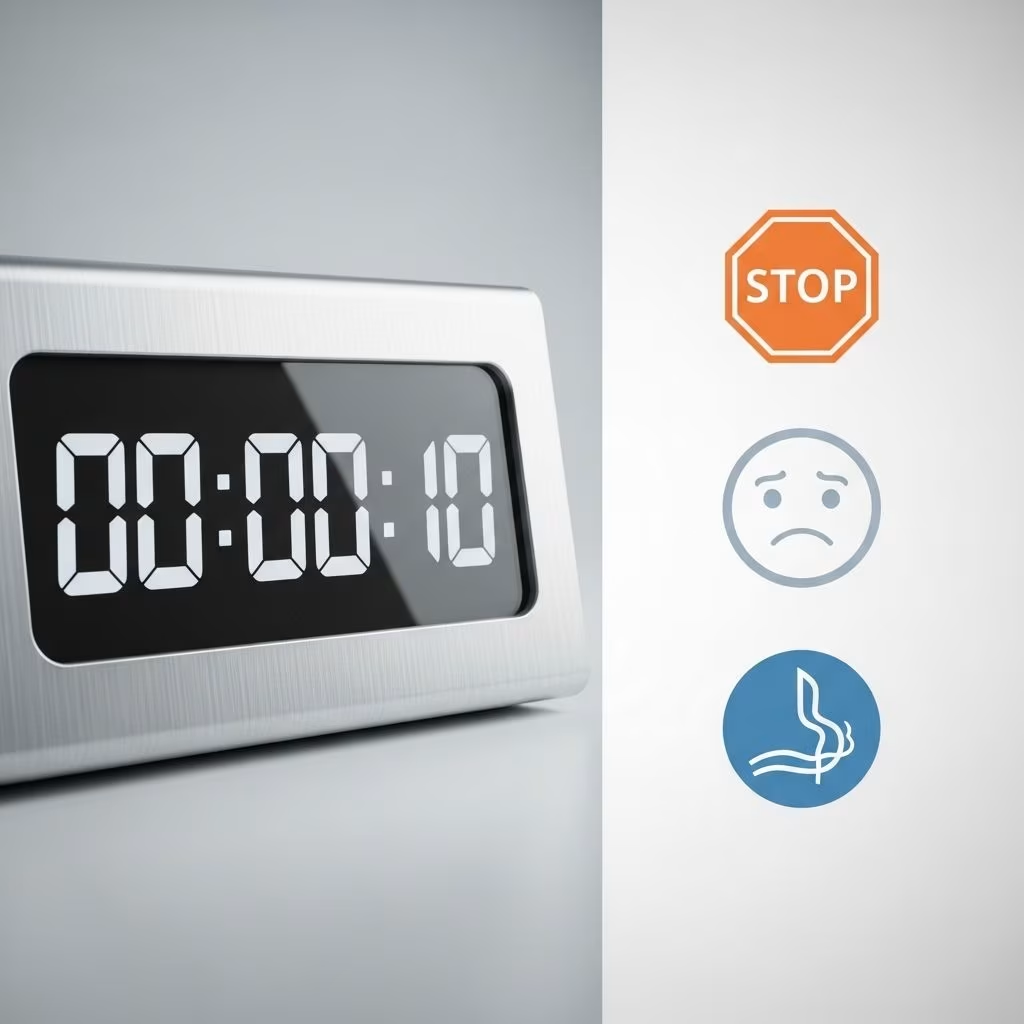
Helping children understand and manage time is essential for fostering independence, focus, and smoother daily routines. Time-out timers and visual cues have become indispensable in parenting, caregiving, and educational settings. This comprehensive guide explores how to select and use the best time-out timers and visual cues for routines, highlighting proven products, effective strategies, and tips for maximizing their benefits at home and in the classroom.
Why Visual Timers and Visual Cues Matter
Children, particularly those with neurodevelopmental differences such as ADHD or autism, often struggle with abstract concepts like time. Verbal directions alone may lead to misunderstandings, frustration, or incomplete tasks. Visual timers and cues break down the invisible passage of time into something children can see, grasp, and anticipate. This clarity is crucial for:
- Reducing anxiety and uncertainty by providing a concrete indication of time left for an activity or break
- Supporting smoother transitions between tasks or environments
- Encouraging independence by letting children monitor and manage their own progress
- Enhancing self-regulation and minimizing challenging behaviors
- Giving parents and teachers a neutral ‘third party’ to refer to (“Let’s see what the timer says!”)
Core Benefits of Using Timers & Visual Cues
Incorporating time-out timers and visual cues into daily routines yields numerous advantages for both children and adults. The most prominent benefits include:
- Predictability: Timers provide a clear endpoint, which reduces ambiguity and stress for kids.
- Emotional Preparation: Children learn to mentally prepare for transitions, helping with emotional regulation.
- Reduced Prompting: Adults spend less time repeating instructions or reminding children what comes next.
- Motivation: Watching time elapse imparts a visual sense of progress or accomplishment.
- Focus: Visual cues help maintain attention on the task at hand, since the visible countdown fosters engagement.
- Improved Routine Compliance: Children are more likely to complete steps independently when the sequence is visually outlined.
Types of Timers and Visual Cues
The market offers a wide range of timers and visual cues, from classic mechanical versions to high-tech digital solutions. The main types include:
| Type | Description | Best For |
|---|---|---|
| Mechanical Visual Timers | Analog timers with a colorful disk or dial that shrinks as time elapses. | Home routines, classroom use, non-distracting environments. |
| Digital/LED Timers | Electronic timers that display numbers and/or use lights or avatars to show time passing. | Children drawn to technology, those needing precise countdowns. |
| Visual Timer Apps | Apps for tablets or phones that often use playful graphics or themes (e.g., a mouse eating apples). | On-the-go routines, travel, tech-savvy families or classrooms, children who like gamification. |
| Pictorial Visual Schedules | Step-by-step picture cards or posters outlining daily routines or task sequences. | Non-readers, kids who need clear visual cues for each step rather than time itself. |
| Auditory Timers | Timers with gentle alarms or chimes. | Sensory-sensitive children, those who need audio feedback. |
Top Time-Out Timers: Reviews and Recommendations
Based on expert guides and parent/educator reviews, here are top-rated time-out timers and visual countdown solutions:
1. Time Timer Plus 60 Minute
- Large, clear red disk visually showing the countdown
- Pause button—ideal for breaks or interruptions
- Silent operation with an optional gentle chime
- Durable design, easy to use
- Recommended for: Children with ADHD or autism, classroom routines, managing homework or chores
- Caveats: Higher price, larger size
2. Mouse Timer App (iOS and Android)
- A child-friendly app where a mouse eats apples as time passes
- Highly engaging visuals sustain interest in younger children
- Great for: Home routines, digital device time management, transitions
3. Children’s Countdown Timer App
- Easy setup with animated graphics indicating time elapsed
- Well-suited for children who prefer visual over auditory cues
- Customizable themes and alarms
4. Mod Home Edition Visual Timer
- Colorful disk countdown, simple interface
- Budget-friendly, sturdy build
- Portable—ideal for traveling or classrooms
5. Time Timer MAX
- Extra-large size for group settings (e.g., classrooms)
- Highly visible even from the back of the room
- Features multiple countdown durations
Across these options, look for clear visuals, intuitive controls, and customizable durations. Digital and app-based timers are particularly engaging for many children, while mechanical timers remain reliable for sensory-sensitive kids or screen-free environments.
Effective Visual Cues for Routines
Beyond timers, visual cues such as schedules, cards, or color-coded charts can give structure to routines and empower children to move independently through daily steps. Effective formats include:
- Pictorial Schedules: Laminated cards or boards with step-by-step images for tasks like “get dressed,” “brush teeth,” or “pack bag.”
- First-Then Boards: Simple visual supports showing the current activity and what comes next—helpful for transitions and compliance.
- Routine Strips: Removable stickers or magnets representing daily tasks that children move as each is completed.
- Color-Coded Charts: Different colors to represent morning, afternoon, and evening routines for easy identification.
Use age-appropriate visuals and keep instructions clear for best effect. For non-readers, pictures are more accessible than written words.
Best Practices: Using Timers and Visual Cues for Routines
Prayerful implementation is key for effectiveness. Here are research-backed strategies for using timers and cues:
- Choose the Right Tool: Match the timer or cue style to your child’s age, preferences, and developmental level. Younger children benefit from colorful, tangible visuals; older kids may prefer digital or app-based options.
- Set Clear Expectations: Before starting an activity, explain how the timer works and what is expected when time ends.
- Model the Process: Demonstrate watching the timer, and narrate how it helps guide the next step.
- Use for Transitions: Timers are especially helpful for transitioning between high-interest and low-interest activities (e.g., leaving the playground, starting homework).
- Celebrate Progress: Praise efforts—even if tasks are not fully complete—to reinforce positive time management and routine-following.
- Adjust Gradually: Start with shorter intervals and extend time as your child practices waiting or focusing.
- Foster Independence: Encourage children to set and monitor timers themselves as they mature.
- Consistency: Use timers and cues at regular times to help routines become internalized and automatic.
- Stay Flexible: Some children need more time for specific tasks—adjust expectations and timer settings to accommodate their needs.
How to Choose the Right Timer or Visual Cue
With many products available, making the optimal choice depends on several factors:
- Age and Development: Young children often do best with highly visual, tactile timers; older children may need more subtle or tech-savvy solutions.
- Sensory Preferences: Some children dislike loud alarms or bright lights. Seek out silent, gentle, or adjustable options for sensitive individuals.
- Environment: For groups or classrooms, larger timers or projectable apps work best. Personal devices or handheld timers suit individualized routines.
- Purpose: Define whether the timer will be used for timeouts, task completion, transitions, or screen time management. Some timers are better suited for repeated short intervals, while others handle variable-length tasks briskly.
- Ease of Use: Controls should be simple enough for independent use, and displays should be readable from across a room if needed.
- Durability and Portability: For frequent use, opt for sturdy and easy-to-carry options.
Frequently Asked Questions (FAQs)
Q: How do visual timers differ from traditional timers?
Traditional timers (like kitchen egg timers) generally use sound or numbers as cues. Visual timers feature moving disks, color changes, or graphics to make the concept of elapsed time concrete and visible—a feature proven to help children understand and manage time better.
Q: Can visual timers help children with ADHD or autism?
Absolutely. Visual timers and cues are highly recommended for(children with ADHD and autism because they make abstract(time visible, reduce anxiety about transitions, and encourage self-management.)
Q: What’s the best way to introduce a timer into my child’s routine?
Model its use, set clear goals (“When the red is gone, we clean up”), and offer positive feedback for following the cue. Start with shorter intervals and use consistent language and expectations as you introduce the tool.
Q: Are timer apps as effective as physical timers?
Timer apps are effective, easily accessible, and often highly engaging for kids who like interactive features. However, some children respond better to tactile, physical timers, especially those who need fewer digital distractions.
Q: How often should I use visual timers and cues?
Consistency supports learning. Use timers and cues at the same points in your daily routine—transitions, task starts, or quiet time—to build predictability and familiarity.
Conclusion
Time-out timers and visual cues are transformative tools that promote structure, independence, and emotional regulation for children in homes and classrooms. By choosing the right timer or cue, introducing it thoughtfully, and using it consistently, parents and educators can create a more predictable and harmonious routine for all. Explore both classic and modern options to find the solution that best fits your unique child or classroom—and watch as routines become less stressful and more successful each day.
References
- https://theinspiredtreehouse.com/visual-timers-for-kids/
- https://www.forbrain.com/adhd-learning/visual-timers-for-adhd/
- https://adayinourshoes.com/10-free-visual-timers-for-kids-and-autism/
- https://www.timetimer.com/blogs/news/time-timer-for-a-non-distracting-classroom
- https://www.youtube.com/watch?v=1I3sfFSvSt0&vl=en


