


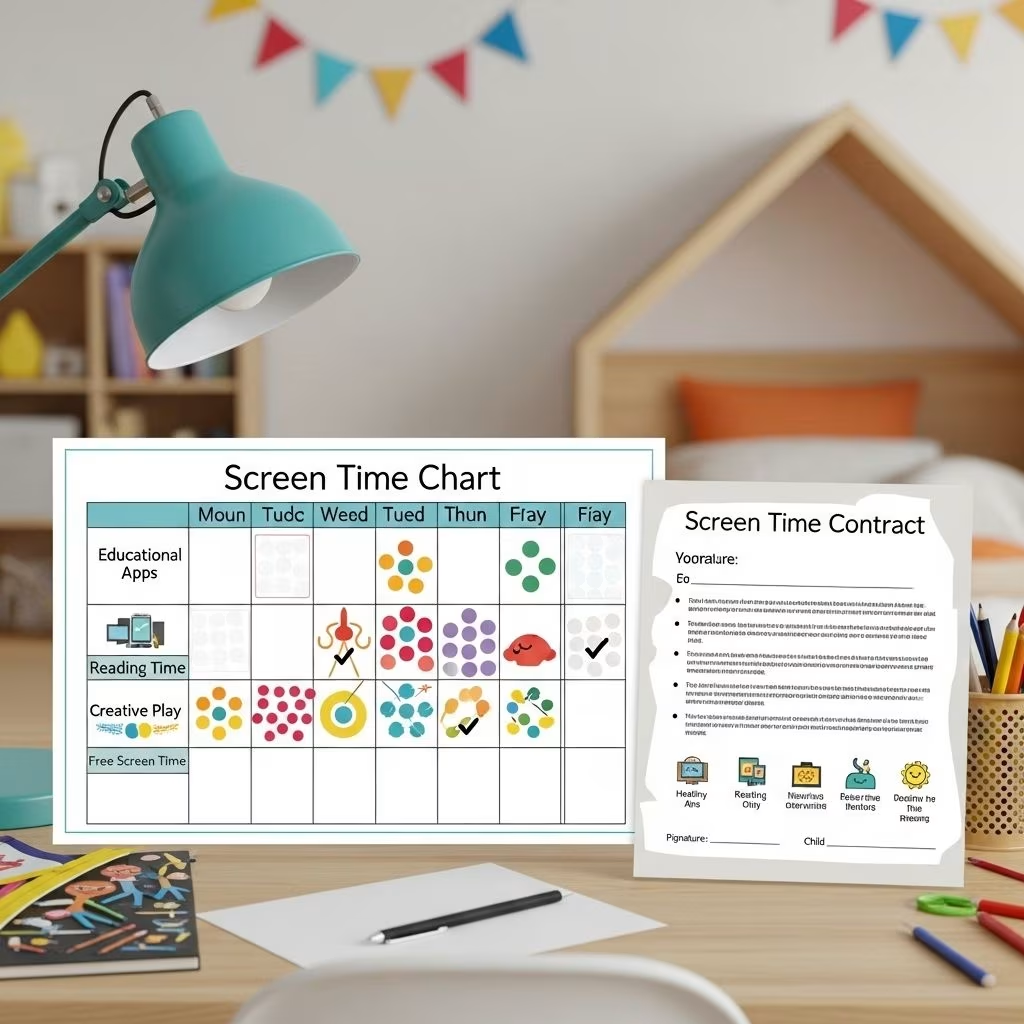
As digital technology becomes ubiquitous in the lives of families and schools, many parents and educators grapple with how to set healthy boundaries for elementary-aged children. Screen time charts and screen time contracts have emerged as effective tools to help kids form positive, well-balanced digital habits. This comprehensive guide delves into the why, how, and what of using screen time management strategies at home and in educational settings.
Understanding Screen Time: Risks and Benefits
Modern childhood includes unprecedented exposure to digital screens—ranging from televisions and tablets to smartphone apps and video game consoles. For elementary-age children (typically ages 5–12), managing this exposure has become a central concern for promoting healthy development.
Potential Risks of Excessive Screen Time
- Physical health impacts: Excessive sedentary screen use is linked to poor sleep quality, vision problems, and increased risk of obesity.
- Mental and behavioral concerns: High screen time is associated with lower self-regulation, mood instability, and in some studies, reduced academic performance.
- Reduced physical activity: Time spent on screens often displaces active play, hobbies, and family interaction.
Benefits of Thoughtful Screen Use
- Educational enrichment: Interactive apps and digital learning can reinforce academic concepts and spark curiosity.
- Social Connection: Platforms can allow kids to keep in touch with friends and relatives, especially over distances.
- Creativity: Technology offers outlets for video creation, music, art, and writing.
Experts now recommend a balanced approach that leverages technology’s benefits while preventing its risks through clear structure and healthy routines.
Why Use Screen Time Charts & Contracts?
Children thrive on clear expectations and consistency. Screen time charts and media contracts offer tangible ways to:
- Define daily or weekly limits on recreational screen use.
- Encourage children to participate in setting their own goals, increasing buy-in and self-management.
- Promote open conversation between kids and adults about digital habits.
- Balance technology with physical activity, reading, and family time.
- Allow for customization: rules can be adapted for differences in age, maturity, needs, and family values.
Family agreements help children develop critical thinking, autonomy, and a sense of responsibility around their media choices.
Core Components of Effective Screen Time Charts and Contracts
While each family or school community will have unique rules, successful screen time management tools typically include the following:
| Component | Description |
|---|---|
| Clear limits | Stipulate timeframes (minutes per day, hours per week) or specify particular blocks of time for screen use. |
| Types of screen use | Differentiate between recreational, educational, and communication-related screen time. |
| Expectations and rules | Establish guidelines (e.g., no screens during meals, homework before recreation, content appropriateness, device-free bedrooms). |
| Consequences | Set clear, agreed-upon outcomes for breaking (or following) the agreement—e.g., privileges, loss of screen time, or rewards. |
| Review and feedback | Schedule regular check-ins to revise goals, discuss successes or challenges, and update the agreement as the child matures. |
| Child participation | Involve children in crafting the chart or contract to foster motivation and ownership over their digital choices. |
Developing Personalized Screen Time Charts
Screen time charts serve as a visual tool to track usage, reinforce routines, and promote self-monitoring. Here’s a structured approach to creating your own chart for an elementary-aged child:
1. Assess Baseline Habits
- Start by tracking your child’s current screen habits over a typical week.
- Note periods of use, preferred activities (gaming, watching shows, homework), and points of conflict or transition.
2. Set Realistic, Age-Appropriate Limits
- Consult expert guidelines: The American Academy of Pediatrics recommends no more than 1–2 hours of high-quality, non-educational screen time for children 6 years and older, with consistent limits across devices.
- Set expectations based on your child’s age, developmental needs, and family routines (e.g., screens only after homework, 20 mins per session).
3. Incorporate Alternative Activities
- Include slots for physical play, reading, chores, art, or family engagement to offer substitutes for digital time.
- Use the chart to celebrate completed non-screen tasks as well as healthy digital habits.
4. Choose Your Format
- Paper-based weekly charts or stickers for younger kids.
- Whiteboard trackers, magnetic boards, or digital logs for older elementary children.
5. Make It Positive and Interactive
- Let your child decorate the chart, choose colors, or create their own icons.
- Review progress together daily or weekly and discuss what went well or could improve.
- Consider family rewards (e.g., movie night, extra playtime) for meeting weekly goals—think positive reinforcement over punishment.
Creating Family Media and Screen Time Contracts
Beyond visual charts, a signed family contract (sometimes called a media agreement) formalizes expectations and fosters ongoing dialogue. Key points to address:
- Device rules: When and where screens may be used (e.g., living room only, never during meals).
- Time limits: Daily/weekly maximums for recreational screen use.
- Content guidelines: What apps, shows, games, or websites are permitted. Use age ratings such as ESRB for video games.
- Privacy and safety: Rules for friend requests, passwords, and talking to strangers online.
- Expectations for behavior: Being kind online, not oversharing personal information, and talking to an adult about uncomfortable situations.
- Consequences and revisions: What happens if rules are broken and how/when contracts will be reviewed as the child matures or technology changes.
Example Contract Structure:
| Section | Content |
|---|---|
| Preamble | Why these agreements are important to our family |
| Daily/Weekly Time Limits | Specific hours or minutes for screens, exceptions for schoolwork |
| Device-Use Rules | Rooms/devices where screens are allowed or prohibited, charging locations |
| Content Restrictions | Permitted apps/games/sites and how to request new ones |
| Safety Commitments | Not sharing personal info; reporting bullying or inappropriate material |
| Consequences | Agreed consequences for not following the agreement |
| Signatures | Child and parent/guardian, with dates and a space for periodic review |
Editable templates for such contracts can often be found via school or mental health resources. Sites like SmartSocial and ScreenagersMovie provide customizable agreements for family use.
Tips for Implementing Screen Time Agreements Successfully
- Introduce the concept with empathy; emphasize collaboration rather than top-down enforcement.
- Hold a kickoff family meeting to set up the chart or contract and clarify everyone’s input.
- Be consistent but flexible — as children demonstrate responsible use, agreements can evolve.
- Pair digital limits with positive alternatives—outdoor activities, board games, creative projects.
- Lead by example. Model mindful screen use as an adult to reinforce expectations.
- Use regular check-ins (weekly or monthly) to assess progress and adjust rules as needed.
- If agreements are broken, calmly implement pre-agreed consequences; focus on learning and restoration rather than punishment.
Common Challenges and Solutions
- Pushback from kids: Address concerns by involving them in rule-making; explain the reasons for healthy limits.
- Different family routines: Customize rules to fit after-school activities, custody arrangements, or multiple caregivers.
- Consistency across settings: Collaborate with teachers and afterschool programs to reinforce goals.
- Access to multiple devices: Use device management tools (Apple Screen Time, Android Digital Wellbeing) to set parental controls and monitor use.
- Monitoring fatigue: Charts allow self-monitoring; combine with periodic reviews to reduce the need for constant adult oversight.
- Resistance from other adults: Share research and focus on the benefits for health, learning, and family connection.
Tracking and Evaluating Progress
Regular tracking ensures agreements remain effective and relevant. Consider these approaches:
- Daily/weekly chart review: Check off goals and discuss the past week together.
- Midway and long-term surveys: For group or school programs, periodic surveys can assess adherence and highlight areas for improvement.
- Student logs: Ask children to record what they did off-screens as well as on them. Celebrate new discoveries and habits.
As children mature, shift focus from strict time limits to ongoing conversation about healthy screen choices, content, and digital citizenship.
Sample Templates and Resources
- Family Media Agreement Template: Edit the SmartSocial Family Media Agreement to fit your family’s needs.
- Printable Screen Time Chart: Online parenting websites regularly post customizable charts for different age groups. Look for interactive PDFs or digital trackers.
- Recommended Apps: Use built-in device tools like Apple Screen Time or Android Digital Wellbeing, which allow parents to set daily limits and monitor usage.
- Educational handouts: Distribute materials at schools or pediatrician offices that outline local recommendations for screen use. Adapt content as your child’s needs change.
Frequently Asked Questions (FAQs)
Q. What is the recommended amount of screen time for elementary kids?
A. Most health authorities recommend limiting recreational screen time for elementary children to 1–2 hours per day, prioritizing educational and interactive uses. The total amount should be less if possible, especially for younger kids, and balanced with physical activity and sleep.
Q. Can screen time agreements work for children with special needs?
A. Yes. Involving children in customizing their charts and contracts allows adaptation for unique developmental or sensory needs. Consistency and positive reinforcement are especially important.
Q. How can I handle disagreements with my co-parent about screen rules?
A. Strive for compromise by focusing on the child’s best interests, using evidence-based recommendations, and committing to regular communication and review of the agreement.
Q. What if my child breaks the agreement?
A. Stay calm and consistent. Enforce pre-agreed consequences, use incidents as teachable moments, and review the agreement together to adjust as needed.
Q. Are there any situations where more screen time is OK?
A. Occasional exceptions (e.g., family movie night, virtual class projects, or connecting with distant relatives) are reasonable. The key is to maintain overall balance and avoid excessive daily use.
By integrating screen time charts and contracts into your family and classroom routines, you empower children to become confident, responsible, and resilient digital citizens in a tech-forward world.
References
- https://scholarworks.uttyler.edu/cgi/viewcontent.cgi?article=1034&context=nursing_msn
- https://www.teachingchannel.com/k12-hub/blog/the-impact-of-screen-time-on-childrens-education-and-well-being/
- https://smartsocial.com/post/social-media-agreement
- https://www.psychologytoday.com/us/blog/when-kids-call-the-shots/201804/the-best-technology-screen-time-contract-kids
- https://pmc.ncbi.nlm.nih.gov/articles/PMC6764013/
- https://www.yourmodernfamily.com/how-to-limit-screen-time/
- https://www.alongside.care/learn/healthy-screen-time-a-guide-for-school-district-leaders
- https://www.commonsense.org/education/articles/screen-time-in-school-finding-the-right-balance
- https://screenagersmovie.com/resources/screen-time-contracts


