


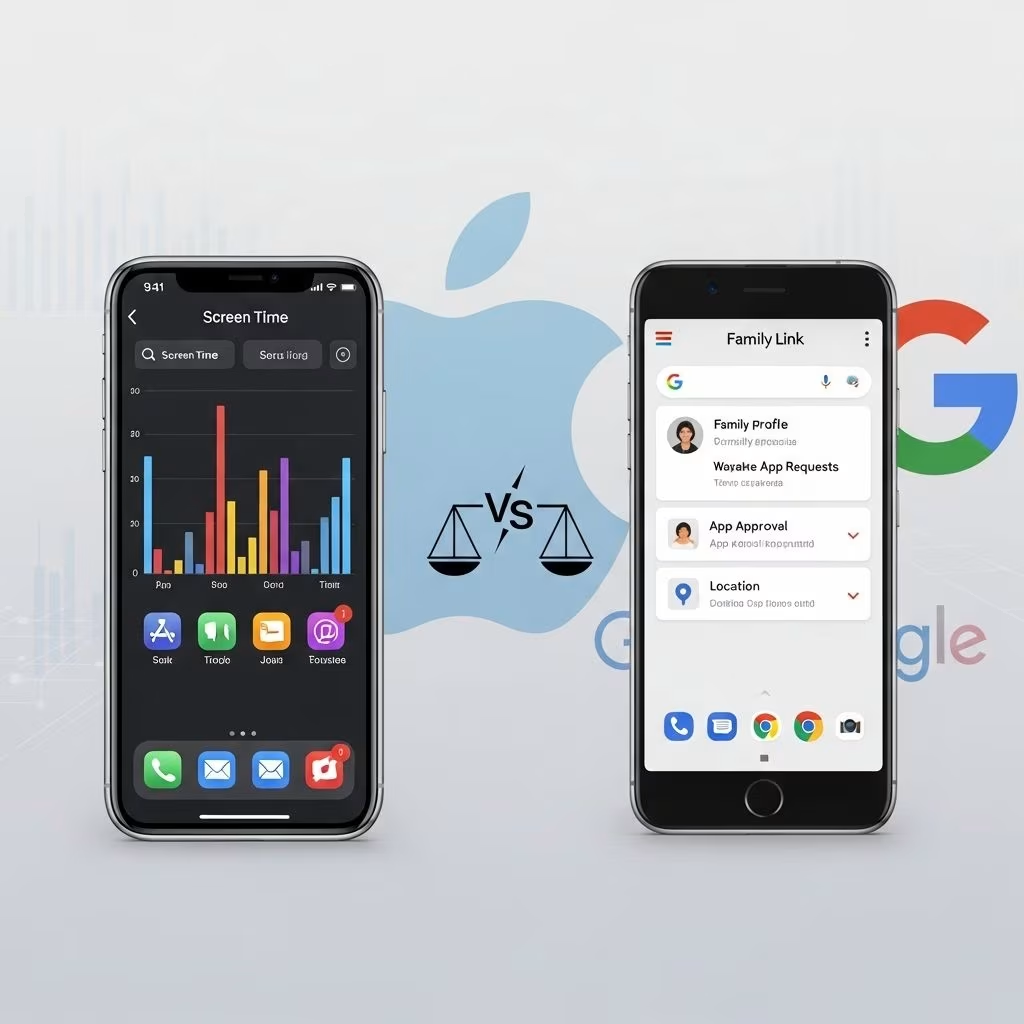
Apple Screen Time vs Google Family Link Comparison
Technological advances have brought a profusion of screens into daily life, offering enormous benefits but also posing new challenges for families striving to balance healthy habits and online safety. Apple Screen Time and Google Family Link are two major parental control systems, offered by Apple and Google respectively, designed to empower guardians to oversee, limit, and moderate their children’s digital device use. This article presents a thorough, up-to-date comparison of both services, covering core features, usability, cross-platform adaptability, user experience, and real-world effectiveness.
Overview of Apple Screen Time and Google Family Link
Apple Screen Time is a native feature integrated into iOS, iPadOS, and macOS devices. It was launched in iOS 12 as a direct response to growing concerns about screen addiction and children’s digital wellbeing. Screen Time enables parents to monitor device activity, impose daily limits, schedule device downtime, and restrict explicit web content. When set up through Family Sharing, these controls can be managed remotely from a parent’s Apple device, making oversight seamless within the Apple ecosystem.
Google Family Link, introduced in 2017, is a free app designed for both Android and iOS platforms, as well as Chromebooks. It allows parents to establish healthy digital boundaries for their children’s devices, set daily screen time limits, approve app downloads, track location, and monitor web activity. Family Link is distinct in that it is accessible on the web and compatible with multiple device types, making it highly versatile for families not fully invested in a single hardware ecosystem.
Core Features Comparison
- Time Limits
- Apple Screen Time: Parents can set app-specific or category-based daily limits, and define “Downtime” when all non-essential apps are locked. If the limit is reached, children can request extensions limited to 15 minutes, 1 hour, or all day. No custom durations are supported.
- Google Family Link: Allows daily device and app time limits, including customizable “bonus time” that parents can set as needed. Offers flexibility to add custom amounts if a child needs more time (such as finishing a task or a longer video).
- Content Filtering
- Apple Screen Time: Filters web content via Safari to block inappropriate material and restrict downloads, plus privacy controls for apps.
- Google Family Link: Filters web content on Chrome and allows blocking of explicit sites. Requires a child account for certain features.
- App Management
- Apple Screen Time: Approves or denies app downloads, restricts in-app purchases, allows parents to block or limit apps and categories. Limits are to Apple devices only.
- Google Family Link: Approves app downloads (Play Store), blocks or restricts app usage and purchases, and can require approval for new installs.
- Activity Reporting
- Apple Screen Time: Provides daily and weekly reports of app, web, and device activity; accessible via other Apple devices.
- Google Family Link: Offers activity reports, scheduled summaries, and device location history via app or web dashboard.
- Location Tracking
- Apple Screen Time: Relies on Find My for location sharing; not tied to Screen Time directly.
- Google Family Link: Built-in location tracking allows parents to view their child’s current device location.
Device Compatibility and Ecosystem Integration
Apple Screen Time works exclusively on Apple devices (iPhone, iPad, Mac). Parents must use an iOS or macOS device to change settings; web interface only allows viewing of family setup, not editing controls. This can feel restrictive, especially in families where not every parent or child uses Apple devices.
Google Family Link supports Android phones and tablets, Chromebooks, and has its own app for iOS devices (though with limited features on Apple devices compared to Android). Importantly, Family Link’s controls can be managed via a web browser on any device (Windows PC, Mac, Chromebook), providing flexibility for mixed-device or non-Apple households.
User Experience and Parental Usability
Usability is a critical factor in daily parental control effectiveness.
- Apple Screen Time:
- Accessible through the iOS and macOS Settings app.
- Intuitive for families already invested in Apple hardware, with smooth integration for approving screen time, app downloads, and purchases from devices like iPhone, iPad, Mac, and Apple Watch.
- Limitations: Must configure and manage from an Apple device—no remote management from other platforms.
- Google Family Link:
- Standalone app for managing all connected family devices, intuitive interface, quick access to time extensions and app management.
- Accessible via Android, iOS app, or any web browser, enabling broad flexibility.
- Bonus time and extensions use custom increments, not limited to preset durations, which simplifies handling exceptions or specific requests (such as allowing a child to finish a 17-minute video).
Several reviewers note frustration with Apple Screen Time’s extensions system and the occasional reset/loss of configurations, which can undermine parental boundaries.
App, Content, and Download Management
- Apple Screen Time:
- Allows parents to approve/deny App Store requests, limit purchases, and block explicit content.
- Provides content restrictions by app and by category, blocks web access to listed sites.
- Does not allow management from Windows or ChromeOS; parents need an Apple device for changes.
- Google Family Link:
- Lets parents approve app downloads from the Play Store, block unwanted applications, review and restrict app permissions.
- Enables web filtering on Chrome and app blocking by time, category, or individual preference.
- Change settings remotely from any device using browser interface.
Reporting, Monitoring, and Alerts
- Apple Screen Time:
- Activity reports available daily and weekly; breakouts of time by app, website, category.
- Does not offer alerts or notifications for risky behavior or concerning activities.
- Google Family Link:
- Overview of device, app, and web activity; periodic summaries sent to parent account.
- Unlike advanced parental control suites (e.g., Qustodio), Family Link does not monitor or alert parents to social media risk or suspicious search activity.
Real-World Use Cases & Practical Insights
Common scenarios reveal meaningful differences in how families interact with these tools.
- Custom Time Extensions: Google Family Link offers “bonus time” in increments selected by the parent, avoiding forced choices like “15 minutes,” “1 hour,” or “all day”. This addresses the practical reality that many tasks (or videos) don’t fit into preset boxes.
- Device Ecosystem: Apple Screen Time is ideal for households entirely within the Apple ecosystem—setup and management is smooth if every family device is Apple. Google Family Link fits mixed-device situations, or for families leveraging Android phones, Chromebooks, and PCs.
- Remote Control: Family Link’s ability to manage devices from any web browser is consistently cited as more practical than Apple’s system, which always requires hands-on access to an Apple device for configuration.
- Durability of Controls: Reviewers note configuration resets and app limit bugs in Apple Screen Time, reducing reliability. Family Link is recognized as more robust and less prone to unexplained settings failures.
Feature-by-Feature Comparison Table
| Feature | Apple Screen Time | Google Family Link |
|---|---|---|
| Device Support | iOS, iPadOS, macOS only | Android, Chromebook, iOS (app), Web |
| Time Limits | Preset extension options (15 min, 1 hour, all day) | Custom “bonus time” increments |
| Content Filtering | Safari web filters & app restrictions | Chrome web filters & app restrictions |
| App Management | App approval/limits via Apple device only | App approval from Play Store, remote control from any browser |
| Reporting | Daily/weekly activity breakdown | Activity summaries, location history |
| Location Tracking | Via Apple’s Find My | Native in-app location tracking |
Frequently Asked Questions (FAQs)
Q: Can Google Family Link be used to control iPhones or iPads?
A: Family Link offers an app for iOS with limited supervision capabilities, but full management is only possible for Android/Chromebook devices.
Q: Can Apple Screen Time be managed from a Windows PC or Android device?
A: No. Settings can be viewed via Apple’s web interface, but changes require access to an Apple device.
Q: Is there a way to add a custom time extension in Apple Screen Time?
A: Not at present. Only preset options (15 minutes, 1 hour, or all day) are available for approving screen time extensions.
Q: Are either of these tools sufficient for monitoring social media or messaging?
A: No. Neither Apple Screen Time nor Google Family Link provides social media message monitoring or proactive AI-based search alerts. Advanced parental control suites, such as Qustodio, offer those features.
Q: Which system is more reliable for everyday parental controls?
A: Based on user experience and third-party reviews, Google Family Link is generally more robust and less prone to bugs or unexpected resets, especially when settings need to be changed frequently.
Conclusion
Both Apple Screen Time and Google Family Link deliver solid parental control solutions, but each has clear strengths and limitations. Apple Screen Time shines for families invested wholly in Apple hardware, integrating tightly with device functions and privacy controls. Google Family Link is the better fit for mixed-device scenarios, offering superior remote management, greater flexibility with time extension options, and the convenience of a unified, platform-agnostic app. Neither system is truly comprehensive—social media monitoring, real-time alerts, and multi-platform support remain limited—but both are valuable tools for establishing healthy device habits and enhancing digital safety for children in the modern family.
References
- https://www.crossplay.news/p/google-parental-controls-versus-apple
- https://www.youtube.com/watch?v=GZ41mHOnG14
- https://www.qustodio.com/en/parental-control-apps-comparison/
- https://baltimoretimes-online.com/living-well/2025/05/23/using-apples-screen-time-googles-family-link-and-microsofts-family-safety-to-monitor-childrens-digital-device-use/


