


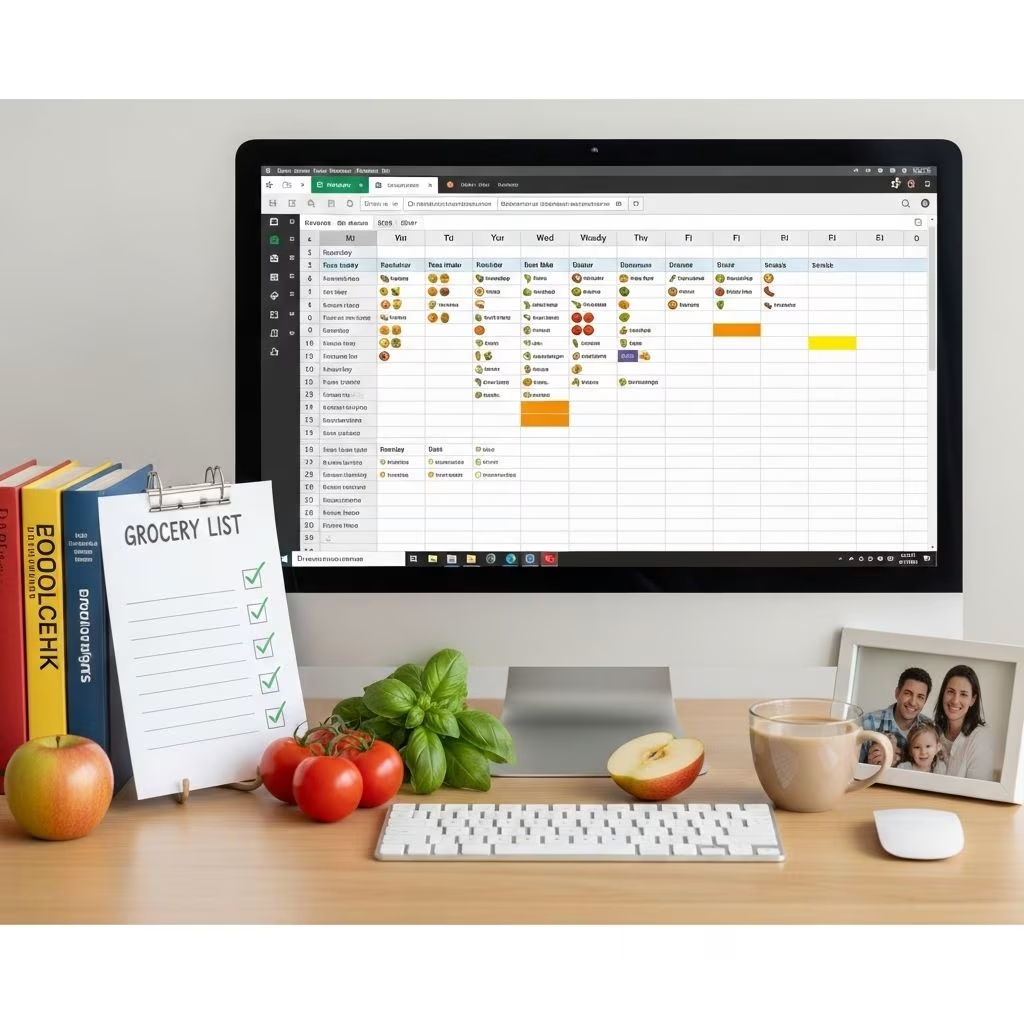
Introduction to Dynamic Meal Planning
Meal planning is a crucial aspect of managing a household, especially for families with multiple dietary needs and preferences. Tools like Excel and Google Sheets can significantly streamline this process by allowing you to organize, plan, and adjust your meals dynamically. This article will guide you through creating and using a dynamic family meal planner with these tools.
Benefits of Using Excel/Google Sheets for Meal Planning
Both Excel and Google Sheets offer numerous benefits when it comes to meal planning:
- Flexibility: These tools allow you to easily add, remove, or modify meals as needed.
- Sharing: Google Sheets, in particular, makes it easy to collaborate with family members in real-time.
- Organization: You can categorize meals by day, week, or month and keep track of ingredients and nutritional information.
- Cost-Effective: Planning meals in advance helps reduce grocery bills and minimize food waste.
Setting Up Your Meal Planner in Google Sheets
To create a meal planner in Google Sheets, follow these steps:
- Download a Template: Start by downloading a free meal planning template for Google Sheets from resources like Ultimate Meal Plans or Pinch Plate Party.
- Customize Your Template: Edit the template to include your family’s favorite meals and dietary preferences.
- Plan Your Meals: Fill in your meals for each day of the week, considering leftovers and ingredient reuse to minimize waste.
- Print and Display: Print your meal plan and post it in a visible spot to keep everyone on the same page.
Using Excel for Meal Planning
Excel can also be a powerful tool for meal planning, offering advanced features like conditional formatting and formulas to automate tasks:
- Create a Basic Template: Set up columns for days of the week, meal types, and recipes.
- Automate with Formulas: Use formulas to automatically calculate ingredient quantities based on meal servings.
- Customize with Conditional Formatting: Highlight repeating meals or ingredients to ensure efficient grocery shopping.
Features of an Ideal Meal Planner Template
An effective meal planner template should include the following features:
- Weekly and Monthly Planning: Ability to plan meals for both short-term and long-term periods.
- Grocery List Integration: Space to list ingredients needed for each meal.
- Notes and Modifications: Area for adding cooking tips, ingredient substitutions, or nutritional information.
- Customizable Meal Options: Ability to add or remove meals based on preferences and dietary needs.
Streamlining Meal Planning with Google Sheets Templates
Google Sheets templates can streamline your meal planning by providing a structured format for organizing meals, ingredients, and recipes:
- Pre-Designed Templates: Use pre-made templates that include sections for breakfast, lunch, dinner, and snacks.
- Collaboration: Share your sheet with family members to get feedback and input.
- Automatic Updates: Google Sheets automatically updates the spreadsheet when changes are made by any collaborator.
Common Challenges and Solutions in Meal Planning
Meal planning can present several challenges, but there are solutions to overcome them:
- Time Management: Use your planner to schedule meal prep and grocery shopping.
- Ingredient Waste: Plan meals that use similar ingredients to reduce waste.
- Boredom with Meals: Rotate meals and try new recipes to keep things interesting.
Frequently Asked Questions (FAQs)
Q: What are the benefits of using a meal planner?
A: A meal planner helps reduce stress, save time, and ensure healthy meals while sticking to your budget. It also minimizes last-minute trips to the grocery store and reduces reliance on takeout.
Q: How can I customize my meal planner?
A: Customize your meal planner by adding your family’s favorite meals, adjusting portion sizes, and incorporating dietary restrictions or preferences. You can also highlight meals that use similar ingredients to reduce waste.
Q: Can I share my meal planner with others?
A: Yes, especially if you’re using Google Sheets. You can share your meal planner with family members to collaborate in real-time.
Q: What features should I look for in a meal planner template?
A: Look for templates that include weekly and monthly planning options, grocery list integration, and space for notes or modifications. Customizable meal options are also important for accommodating dietary needs.
Conclusion
Creating a dynamic family meal planner using Excel or Google Sheets can significantly simplify your meal planning process, ensuring healthier meals and reducing stress. By customizing templates to fit your family’s needs and preferences, you can streamline your kitchen routine and enjoy more balanced, enjoyable meals together.
References
- https://pinchplateparty.com/2024/08/12/simplify-your-weekly-dinner-mealplan-printable/
- https://www.youtube.com/watch?v=SESIg6QunII
- https://kalynbrooke.com/personal-growth/habits-routines/monthly-meal-planner-template/
- https://mealpractice.com/meal-plan-spreadsheet
- https://www.lambertslately.com/meal-plan-template-google-sheets
- https://thegoodocs.com/freebies/meal-planners/
- https://ultimatemealplans.com/articles/meal-plan-template/


