


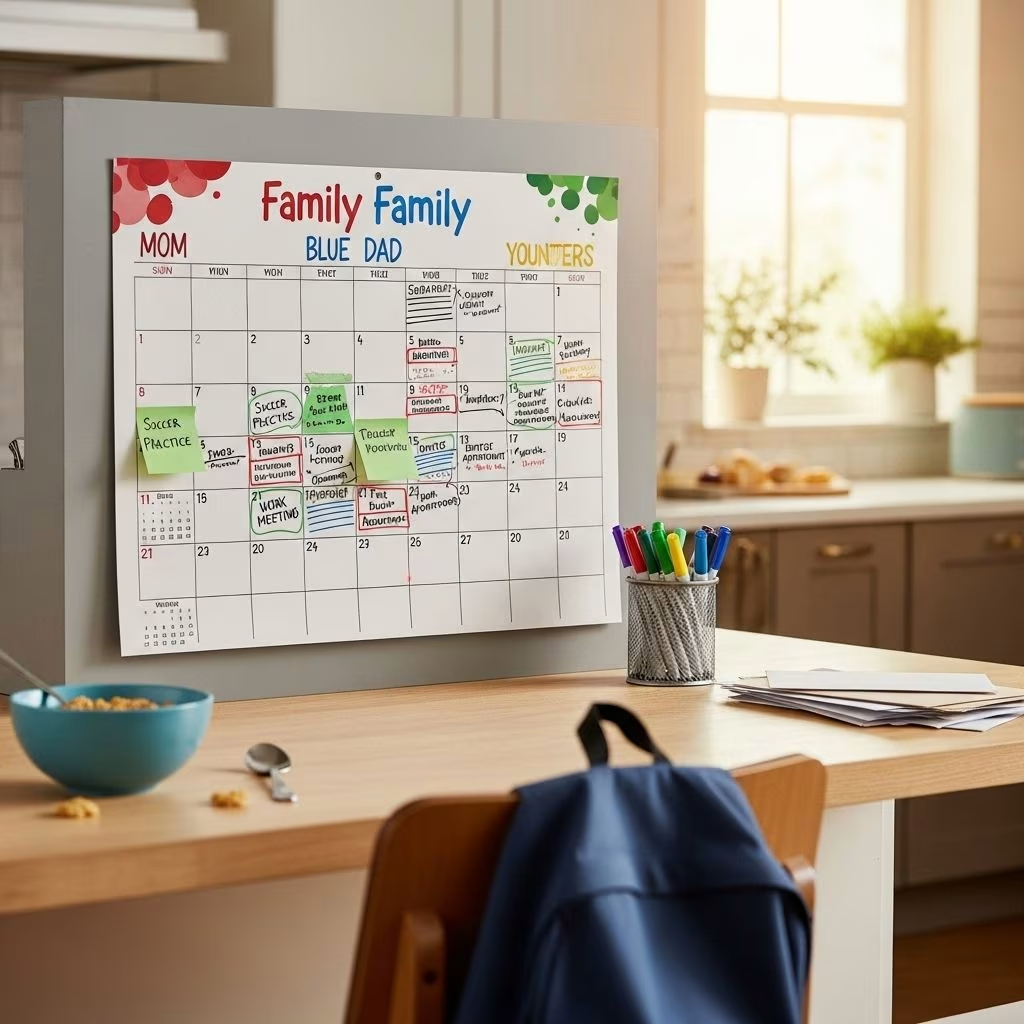
Mastering Color-Coding for Family Calendars: Making Complex Schedules Effortless and Efficient
Managing multiple schedules in a busy household is a constant challenge. With parents working, children participating in sports, appointments, chores, and leisure, it’s easy for important events to slip through the cracks. Color-coding your family calendar offers a visually intuitive, time-saving approach to streamline complex schedules, prioritize tasks, and boost overall organization.
Introduction to Color-Coding for Family Schedules
Color-coding is the practice of assigning colors to categories, individuals, or event types on a calendar, enabling quick and easy visual identification. In a family setting, this technique helps everyone—parents, children, and even household helpers—instantly grasp who’s responsible for what and when. Implementing a color-coded system is simple and scalable, regardless of the size or complexity of your household’s commitments.
Benefits of Color-Coding in Family Calendars
- Enhanced Visual Clarity: The use of distinct colors means activities are identifiable at a glance, reducing confusion and minimizing missed appointments .
- Improved Memory: Research demonstrates that color enhances memory performance, making it easier for everyone to recall upcoming events and responsibilities .
- Decreased Stress: By organizing chaotic schedules into manageable, color-coded blocks, stress levels drop and confidence in your family’s system rises .
- Efficient Organization: Color-coding allows for the grouping of related tasks and the prioritization of urgent matters, aiding in daily and long-range planning .
- Accountability and Delegation: Assigning colors to family members helps track individual activities and divides responsibilities more transparently .
Setting Up an Effective Color-Coded Calendar
Establishing a color-coded calendar involves strategic planning as well as some experimentation to match your family’s needs and preferences.
Step-by-Step Setup Guide
- Choose Colors Intentionally: Assign each family member a unique color. When possible, let them choose their favorite to boost engagement and recognition .
- Select the Right Calendar Format: Decide whether a wall calendar, dry-erase board, paper planner, or digital calendar best fits your household’s routine .
- Acquire Supplies: For paper or dry-erase calendars, purchase colored pens, markers, stickers, and folders. If digital, ensure your platform supports color labeling or category coding .
- Assign and Apply Colors: Fill in recurring events, appointments, chores, and outings using designated colors. Use consistent labeling for clarity and ease of use .
- Centralize Your Calendar: Place your calendar somewhere visible—such as the refrigerator or hallway—to keep everyone informed and accountable .
- Include Backup Documentation: Keep color-coded folders to organize related paperwork (permission slips, invitations, school forms) for each member, correlating with their calendar color .
Example Color Assignments for a Family of Five
| Family Member/Category | Assigned Color | Type of Event/Activity |
|---|---|---|
| Mom | Pink | Doctor, Work, Personal Chores |
| Dad | Blue | Meetings, Gym, Family Errands |
| Child #1 | Green | Soccer, Homework, School |
| Child #2 | Yellow | Dance, Music Lessons, School |
| Family Events | Purple | Dinners, Birthdays, Outings |
Color-Coding Strategies for Different Family Needs
Your color-coding method should reflect your household’s priorities and complexities. Consider these tailored strategies:
- Priority-Based Coding: Assign colors by task importance: red for urgent, green for health-related, yellow for social events .
- Category-Based Coding: Group events by type—work, school, chores, self-care, social—using distinct colors for each category .
- Dual Coding: Use color families to indicate both the responsible person and the event type, enabling multilayered visual cues .
- Motivation & Psychology: Select colors that enhance motivation (e.g., energetic reds for high-priority tasks, calming blues for downtime) .
Example: Color Families for Extended Schedules
If managing multiple overlapping schedules (e.g., parents’ work and children’s extracurriculars), consider using cool colors for work events and warm colors for personal/family events. This separation creates instant recognition of schedule type alongside individual accountability.
Digital vs. Paper: Choosing Your Calendar Platform
The choice between a digital or paper calendar depends on family habits, ease of access, and update needs.
- Paper Calendars: Ideal for families preferring a visible, hands-on approach. Wall calendars and dry-erase boards allow quick editing and group consultations. Color coding is achieved with colored pens or markers .
- Digital Calendars: Platforms like Google Calendar, Teamup, and specialized apps provide extensive color palettes, event sharing, reminders, and access across devices. Color labeling is typically straightforward and customizable .
- Hybrid Solutions: Consider syncing digital calendars with printed monthly overviews or maintaining a backup paper version to accommodate different preferences or ages within the household.
Comparison Table: Digital vs. Paper Calendars
| Feature | Paper Calendar | Digital Calendar |
|---|---|---|
| Color-Coding Ease | Markers/Pens, Easy but manual | Built-in color labels, easily modified |
| Accessibility | Visible in home | Accessible anywhere, any device |
| Collaboration | Group updates, but physical access needed | Multiple users, real-time edits |
| Reminders | Manual, Post-it notes or stickers | Automated notifications |
Essential Tools and Supplies for Color-Coding
Outfitting your organizational arsenal with the right tools makes color-coding simple and enjoyable:
- Colored Pens/Markers: Gel pens, dry-erase markers, and felt-tips in a variety of colors .
- Planner Stickers: Use thematic stickers to highlight special events and add an element of fun .
- Colored Folders: Store paperwork for each member using their assigned color .
- Apps & Digital Platforms: Explore calendar apps with customizable color options, such as Google Calendar, Teamup, or Artful Agenda .
Advanced Tips: Dual Coding and Priority Management
For especially complex scheduling situations—blended families, multi-generational homes, or households managing work-from-home and extracurricular overload—consider advanced approaches:
- Dual Color-Coding: Assign a base color for the family member and overlay with symbols or icons for priority or event type. For example, a blue dot for Dad’s events, with a star sticker indicating urgent tasks .
- Task-Type Emphasis: Use bolder shades or icons to accentuate time-sensitive activities, such as deadlines or medical appointments. Color blocks, stripes, or outlines can further differentiate dimensions .
- Color Psychology in Motivation: Incorporate color associations that trigger emotional response—using red for urgency or green for well-being tasks .
Maintaining Consistency and Visibility
- Consistency Matters: Stick with assigned colors throughout calendars, folders, and related supplies. Consistency facilitates recognition and habit formation .
- Regular Updates: Schedule a weekly family meeting to review and refresh the calendar, verifying upcoming events, and noting conflicts.
- Central Placement: Whether digital or physical, the calendar should be accessed easily by all family members. High-visibility increases participation, accountability, and utility .
- Periodic Review and Adjustment: As schedules change, re-evaluate color assignments and organizational strategies to ensure ongoing clarity and efficiency.
Common Pitfalls and How to Avoid Them
- Color Overload: Too many colors can become visually overwhelming. Limit your palette to what’s necessary for clarity.
- Lack of Consistency: Changing color assignments too frequently undermines the system. Stick to your initial choices; only revise when absolutely needed .
- Poor Placement: If the calendar isn’t easily visible or accessible, it loses effectiveness. Locate it centrally within the home or ensure all family members can sync to the digital version .
- Insufficient Training: Teach all members (especially children) what each color represents and how to use the calendar. Reinforcement through regular reviews is key.
Frequently Asked Questions (FAQs)
Q1: How do I choose the best colors for my family’s calendar?
Let each family member select a favorite color, ensuring it is distinct from others. Avoid overly similar hues (e.g., light green and yellow) to maintain quick, clear recognition .
Q2: How many colors are ideal for a family calendar?
Use only as many colors as needed to represent each person and essential categories. For most families, 4–7 unique colors are optimal; more can be confusing .
Q3: Should I use a paper or digital calendar?
The best choice depends on your family’s preference. Digital calendars are more dynamic and accessible, while paper calendars offer a tangible focal point for young children and quick group reviews .
Q4: What if someone forgets their color or misses events?
Encourage regular family calendar checks and reinforce each color’s meaning with matching supplies or reminders. Weekly or nightly reviews help everyone stay on track.
Q5: Are there recommended apps for color-coding family schedules?
Popular options include Google Calendar (with color labels), Teamup (48-color palette), and Artful Agenda (custom themes and groups) .
Conclusion
Implementing a color-coded family calendar is a practical solution to organizing complex schedules. By streamlining planning, clarifying responsibilities, and minimizing daily stress, color-coding empowers every household to thrive—no matter how busy life gets.
References
- https://wondermomwannabe.com/how-to-color-code-your-family/
- https://www.avery.com/blog/expert-tips-for-color-coding-your-planner/
- https://blog.teamup.com/how-to-color-code-your-calendar-like-a-pro/
- https://artfulagenda.com/work-mode-vs-home-mode-calendar-color-coding/
- https://www.youtube.com/watch?v=k351nsC4hJs
- https://www.virtosoftware.com/tasks/why-you-need-to-color-code-your-calendar/


