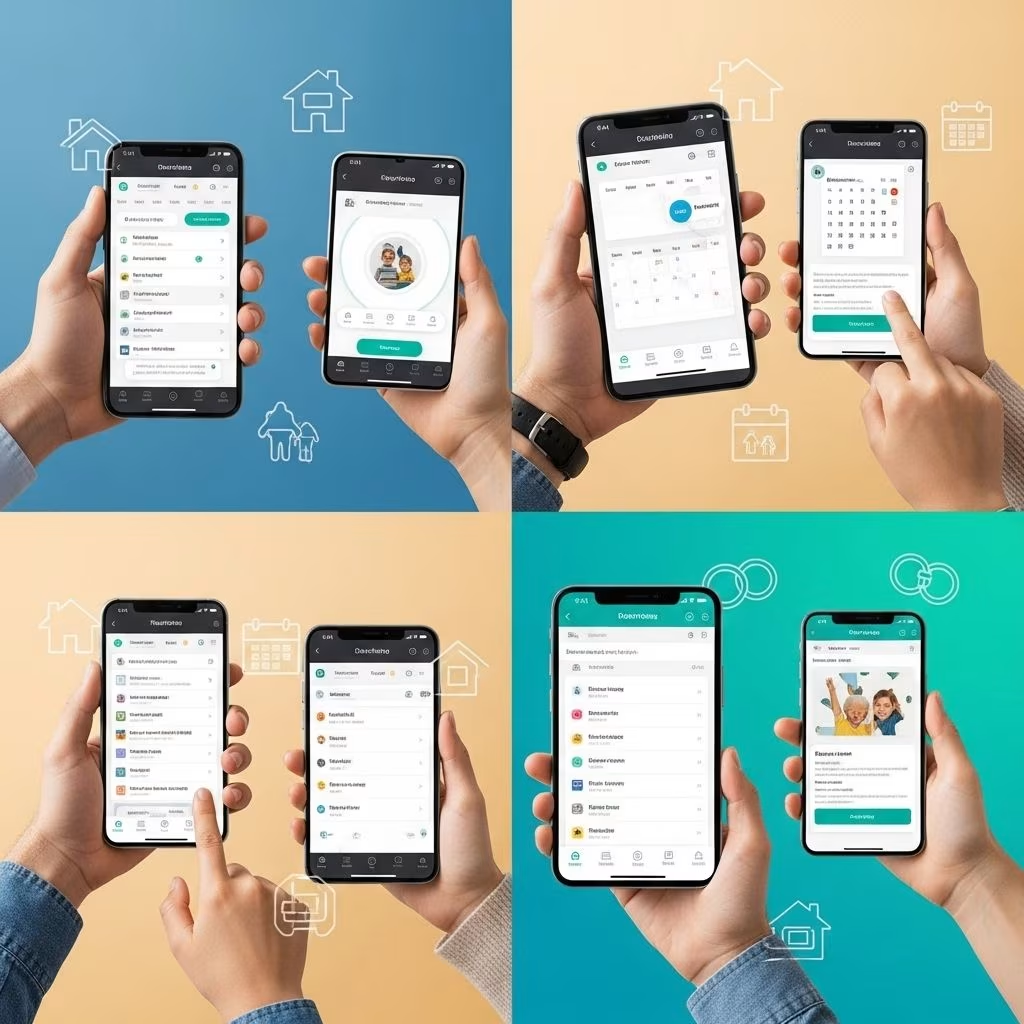
The Best Co-Parenting Apps: Streamlined Communication for Modern Families
For many divorced or separated parents, effective communication and seamless coordination are essential for their children’s well-being. Modern co-parenting apps provide powerful digital solutions to overcome the challenges of managing shared schedules, expenses, and messages—making it easier to keep everyone in sync and focused on the needs of the child. This guide reviews the leading co-parenting apps, comparing their features, benefits, and unique offerings so you can choose the best tool for your family’s needs.
Why Use a Co-Parenting App?
Co-parenting can be fraught with misunderstandings, missed appointments, and disputes over expenses. Dedicated apps help to:
- Centralize Communication: Reduce the chance of missed information with secure, traceable messaging.
- Organize Schedules: Keep everyone updated about custody arrangements, holidays, and activities.
- Track Shared Expenses: Manage reimbursements, record payments, and keep a transparent financial record.
- Promote Accountability: Keep an unalterable record of communications and transactions, crucial for legal documentation if needed.
- Reduce Conflict: By facilitating structured communication, apps can minimize emotional triggers and disagreements.
With a variety of options on the market, it is important to select the ones with the features best suited for your family dynamics.
Top Co-Parenting Apps: Comprehensive Review
Below is a detailed overview of the best co-parenting apps, highlighting their primary functionalities and unique strengths.
1. OurFamilyWizard
Widely recognized and even court-recommended, OurFamilyWizard stands out for its extensive features that support every aspect of co-parenting.
- Secure Messaging: All correspondence is timestamped and cannot be deleted, supporting transparency and accountability.
- Shared Calendar: Mark custody exchanges, appointments, vacations, and more.
- Expense Log: Log, split, and track payments—all with digital receipts.
- Information Bank: Store essential data such as medical info, school contacts, and clothing sizes.
- ToneMeter: Flags emotionally charged language to prevent escalation in messages.
- Journal: Private notes for parents to keep records outside shared areas.
Best for: High-conflict situations or those needing robust documentation for legal purposes.
2. Two Houses
Two Houses offers a user-friendly solution to manage every aspect of co-parenting life with clear structure and visual tools.
- Intuitive calendar for visit planning, appointments, events
- Expense management with built-in tracking and state-specific calculations
- Photo & document sharing for easy record storage and safe sharing
- Messaging module for keeping all communications in one place
- Personal journals for recording important milestones or incidents
Best for: Parents who want to keep everything organized and visually accessible.
3. TalkingParents
An industry leader, TalkingParents focuses on secure, transparent, and court-admissible communication between separated parents.
- Secure Messaging: Messages are timestamped, never deletable, and organized by topic for easy navigation.
- Accountable Calling: Conduct phone and video calls with recordings and transcripts, safeguarding privacy by masking phone numbers.
- Shared Calendar: Manage custody schedules and children’s activities with both parents accessible for seamless coordination.
- Accountable Payments: Track, request, and send payments securely, complete with a detailed timestamp and support for recurring transfers.
- Info Library: Store and share medical info, school contacts, and other vital details without repeated requests.
- Personal Journal and File Vault: Document details privately and store critical documents or images securely.
- Legal Recognition: All records are admissible in court, providing an extra layer of legal protection.
Best for: Parents who require secure, accountable communication and detailed record-keeping.
4. BestInterest
BestInterest sets itself apart as an AI-powered co-parenting app, designed to foster child-focused collaboration and minimize parental conflict.
- AI Review of Messages: Filters out non-child-focused or inflammatory content, aiming to de-escalate tense situations.
- Custom Notification Schedules: Set boundaries by controlling how often you receive notifications; only urgent messages are flagged for immediate attention.
- Independent Parent Registration: Allows one parent to sign up without requiring the other’s consent—beneficial for high-conflict or controlling co-parents.
- Non-Editable, Geotagged Journal: Enables users to log and document custody exchanges and other events for legal records.
- Expert Endorsements: Developed with input from mental health professionals to ensure a research-backed, supportive approach.
Best for: High-conflict co-parenting where de-escalation and safety are primary concerns.
5. AppClose
AppClose stands out as a completely free app rich with features to facilitate day-to-day co-parenting responsibilities.
- Shared Calendar for events, schedules, and custody planning
- Expense tracking with manual and recurring entries
- Direct messages and group chat—organized in one accessible platform
- No subscription fees or hidden costs
Best for: Budget-conscious parents seeking a comprehensive and free tool.
6. Cozi Family Organizer
Cozi is renowned for its simple and intuitive scheduling tools, making it a favorite among blended families and those seeking to minimize complexity.
- Easy-to-use shared calendar for the whole family
- To-do lists, grocery lists, and event reminders
- Color coding for individual family members
- No legal or secure documentation features
Best for: Friendly co-parenting arrangements and blended households.
7. Custody X Change
Custody X Change offers specialized solutions for creating, tracking, and documenting parenting schedules—frequently relied on in custody proceedings.
- Customizable Parenting Plans: Drag-and-drop interface for custody arrangements
- Detailed Reporting: Generates court-ready parenting schedules and documents
- Expense Tracking: Manage settlement records and reimbursements
- Printable Documents: Export evidence and schedules for legal submissions
Best for: Parents involved in or preparing for legal custody negotiations.
8. Baby Connect
| Feature | Purpose |
|---|---|
| Sleep Tracking | Monitor infants’ sleep patterns, naps, and nighttime routine |
| Feeding Tracker | Log breastfeeding, bottle feeding, and meals |
| Diaper & Potty | Track diaper changes and potty training progress |
| Milestones & Medical Data | Document developmental milestones and health records, including immunizations |
| Caregiver Collaboration | Allow easy data sharing between both parents and caregivers |
Best for: Parents of infants or toddlers who need to track daily routines and health collaboratively.