


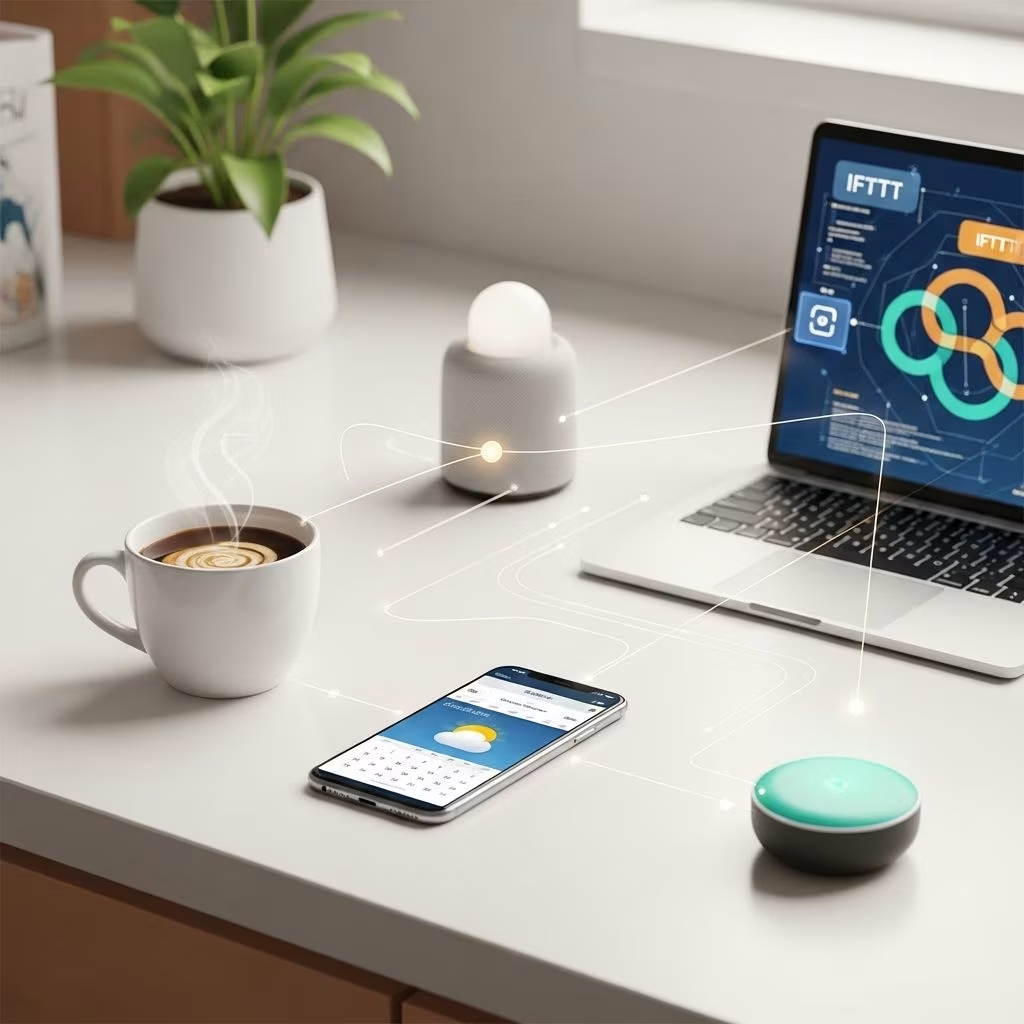
Mornings set the tone for the rest of the day. Yet, getting out of bed, staying on top of healthy habits, prepping for work, and ensuring your environment supports productivity can feel overwhelming. Workflow automation tools like IFTTT and Zapier offer effortless ways to automate and optimize every step of your morning, freeing your mind for what truly matters. This comprehensive guide explores how you can harness these tools to craft your ideal morning routine, including real-world recipes, advanced strategies, and essential considerations for beginners and power-users alike.
Why Automate Your Morning Routine?
Automation is about more than convenience—it’s a tool that can help you:
- Eliminate decision fatigue: Automating repetitive morning tasks reduces the mental load, allowing you to reserve willpower and attention for bigger decisions throughout the day.
- Build healthy habits: Consistent triggers (like reminders, music, or lighting) reinforce good routines and wellness practices, from taking medication to journaling or meditating.
- Boost productivity: Automatically prep your digital and physical workspace, syncing calendars, setting reminders, and ensuring you start each day organized and ready.
- Enhance wellness: Integrate gentle wake-up cues, light therapy, and nutrition tracking to support mental and physical health.
Whether you work from home, at an office, or juggle family commitments, automating your morning with IFTTT and Zapier can help reclaim precious time and energy.
IFTTT vs Zapier: Overview and Use Cases
While IFTTT (If This, Then That) and Zapier both automate repetitive workflows, they cater to slightly different audiences and scenarios.
| Platform | Best For | Key Features | Typical Uses |
|---|---|---|---|
| IFTTT | Individuals, smart home users, automation beginners |
|
|
| Zapier | Business users, productivity geeks, advanced automation |
|
|
Both tools are code-free (no programming required) and support hundreds of apps, but IFTTT is especially strong for those embracing smart home gadgets and basic automation, while Zapier excels at chaining together professional tools and more granular rule sets.
Core Automation Recipes for Morning Routines
Let’s get practical. Here are some effective IFTTT & Zapier automation “recipes” to kickstart or enhance your mornings, spanning wellness, productivity, environment, and communication:
- Smart Alarm Synchronization: Automatically turn on smart lights or play a wake-up playlist when your phone alarm ends.
- Weather Briefings: Receive the day’s weather summary as a notification, email, or even as a spoken update through your smart speaker.
- Calendar Sync & Prep: When your alarm or smart hub triggers, fetch your agenda for the day and send a summary via email, mobile notification, or display it on a smart screen.
- Habit & Health Reminders: Send medicine reminders, breakfast prompts, or hydration notifications. Log completed habits to a productivity tracker or health app automatically using integrations (e.g., Google Sheets, Notion, Habitica).
- Wellness & Mood Setting: Set mood lighting, start a calming playlist, or even trigger motivational quotes each morning.
- Automation for Families: Set home devices to adjust the thermostat, brew coffee, or send school reminders to the kids, all based on time or trigger events.
- Automated Communication: Send “Good Morning!” texts, Slack messages, or email daily updates to family or housemates.
- Digital Workspace Preparation (Zapier): Open up your daily planning dashboard, fetch new tasks, and update to-do lists automatically every morning.
These automations can be mixed and matched and combined with your existing routines for a seamless, stress-free start.
Step-by-Step Guide: Building a Morning Routine With IFTTT
IFTTT is ideal for quick, straightforward automations that connect your apps and devices with a “trigger, then action” logic. Here’s how to set up a basic yet powerful morning sequence:
- Identify Your Triggers
Select what event will start your routine. This could be:- A specific time (e.g., 6:30 AM)
- Disabling your phone’s alarm
- When your phone disconnects from WiFi
- Location-based triggers (leaving home, arriving at the office)
- Choose Your Actions
Examples include:- Switch on your smart light or smart plug
- Deliver weather and calendar summaries by email, push, or voice
- Start your favorite “Morning Boost” playlist on Spotify or Apple Music
- Send a Slack/Discord/Messenger good-morning message
- Customize and Enable Your Applets
Use IFTTT’s web interface or mobile app. Add multiple applets for compounded effects (e.g., lights + music + notification at the same trigger time). - Test and Optimize
Ensure each step functions reliably. Adjust timings and actions based on your real routine.
Popular IFTTT Applets for Mornings:
- “If it’s 7:00 AM, then send me a weather forecast”
- “If Google Calendar says I have a meeting at 9:00 AM, send me a coffee brewing notification at 8:30 AM”
- “If alarm is dismissed, turn off bedroom smart lights and start motivational playlist”
- “If it’s weekday at 8:00 AM, remind me to take my medicine”
Start simple, then experiment with adding more apps as you get comfortable. IFTTT’s visual interface makes this especially accessible for beginners.
Advanced Morning Workflows With Zapier
Zapier lets you chain multiple actions into robust, multi-step workflows—perfect if your mornings include tasks like checking sales numbers, managing a team, or tackling complex personal routines. Sample scenarios include:
- Complex Habit Tracking: When you log your morning meditation in an app, Zapier can record the activity in a Google Sheet, update your Notion dashboard, and adjust your habit tracker—all at once.
- Automated Health Logging: After entering your breakfast in a health app, automatically calculate calories, add the data to a daily report, and trigger a congratulatory message on completion.
- Multi-Channel Daily Briefing: Every morning, send a Slack or Microsoft Teams message summarizing your calendar, new emails, top priorities, and more to yourself or your remote team.
- Dynamic Workspace Prep: On workdays, open relevant project dashboards, download latest documents, and add new tasks to Trello or Asana automatically.
- Email, Calendar, and Project Sync: Zapier can fetch new emails with specific keywords (like important or urgent) and create instant to-do items across different apps.
Zapier’s strengths lie in:
- Multi-step actions—dozens in a single workflow
- Conditional logic and filters (only run an action if criteria match)
- Code steps to translate/calcuate values or run custom scripts
- Extensive business and productivity app integrations
While Zapier has a steeper learning curve, its capabilities are unmatched for those wanting professional-grade automations.
Integrations With Smart Home Devices
Both platforms shine when connecting to smart home devices—an essential part of a well-orchestrated morning:
- Smart lights: Wake up gently with gradual light increases, or trigger specific lighting scenes once it’s time to start your day.
- Coffee makers & appliances: Start making coffee or turn on your kettle as soon as you dismiss your alarm or enter the kitchen.
- Thermostats: Warm up or cool down the room before you get out of bed.
- Voice assistants: Use Alexa or Google Assistant to provide verbal summaries of the day, weather alerts, or reminders through IFTTT or compatible workflows.
- Door locks and security: Automate door locking/unlocking or alerting routines for when you leave or return home, increasing peace of mind.
These integrations transform your environment, supporting an energizing and safe start to every day.
Tips and Best Practices for Automation Success
- Start simple, then iterate: Launch with one or two core automations. Once confident, layer more complexity to match your needs.
- Review and refine regularly: Morning routines (and tech ecosystems) evolve—review integrations each month to optimize for new habits or schedules.
- Balance technology with mindfulness: Automate chores and nudges, but reserve space for personal reflection and actual “unplugged” time.
- Use templates and community applets: Both platforms offer public galleries with tested, popular routines—leverage these as a starting point.
- Prioritize reliability and privacy: Some devices and platforms may have delays—test thoroughly, and always use strong passwords or two-factor authentication for your accounts.
- Document your flows: For complex setups, maintain a simple doc detailing triggers, actions, and dependencies—especially useful if you manage other household devices/users.
IFTTT vs. Zapier: Feature Comparison Table
| Feature | IFTTT | Zapier |
|---|---|---|
| User Type | Individuals, Beginners, Smart Home | Businesses, Power-users, Tech Teams |
| Workflow Complexity | Simple (1-2 steps) | Complex (Multi-step, branching) |
| Key Integrations | Smart home, Voice assistants, Social media | CRMs, Productivity suites, Email, Project management |
| Conditional Logic | Basic (Pro+ only) | Advanced (Filters, Paths) |
| Pricing | Free, Pro from $2.50/mo | Free, Starter from $19.99/mo |
Frequently Asked Questions (FAQs)
Q: What are the main benefits of automating your morning routine?
A: Automation saves time and mental effort, builds healthy habits consistently, optimizes your digital and physical workspace, and sets a consistently positive tone for your day.
Q: Can I use both IFTTT and Zapier together?
A: Yes, many users combine both tools. IFTTT handles direct device and smart home triggers, while Zapier manages complex workflows and business logic. Use each platform where its strengths apply.
Q: Are these automations secure and private?
A: Both platforms implement robust authentication, but always use strong passwords, enable two-factor authentication, and periodically review app permissions for privacy.
Q: Do I need coding skills?
A: No coding is needed for basic workflows on either platform. Zapier does offer optional code steps for complex users, but most features are fully drag-and-drop or form-based.
Q: What are the most popular apps to automate for mornings?
A: Smart speakers, lights, coffee makers, calendar and email services, weather apps, habit trackers, and note-taking tools like Notion and Google Sheets are among the most commonly automated apps for effective morning routines.
Conclusion
IFTTT and Zapier make it easier than ever to design a personalized, automated morning routine. Whether you start with a simple weather notification or a complex multi-app workflow, these platforms empower you to reclaim your mornings, boost productivity, and enjoy a calm, streamlined start to each day. Experiment, iterate, and watch your mornings transform.
References
- https://ifttt.com/explore/how-to-use-workflow-automation
- https://techfornomads.com/2025/08/01/daily-workflow-automation-ideas-using-zapier-or-ifttt/
- https://workbrighter.co/routine-automation/
- https://www.knack.com/blog/zapier-vs-ifttt/
- https://ifttt.com/explore/morning-routine
- https://python.plainenglish.io/how-i-automated-my-daily-routine-with-just-my-phone-9419b5ae694d
- https://www.lemon8-app.com/@savmillerofficial/7511897555219907114?region=us
- https://www.youtube.com/watch?v=HetwJQ4n9jw


